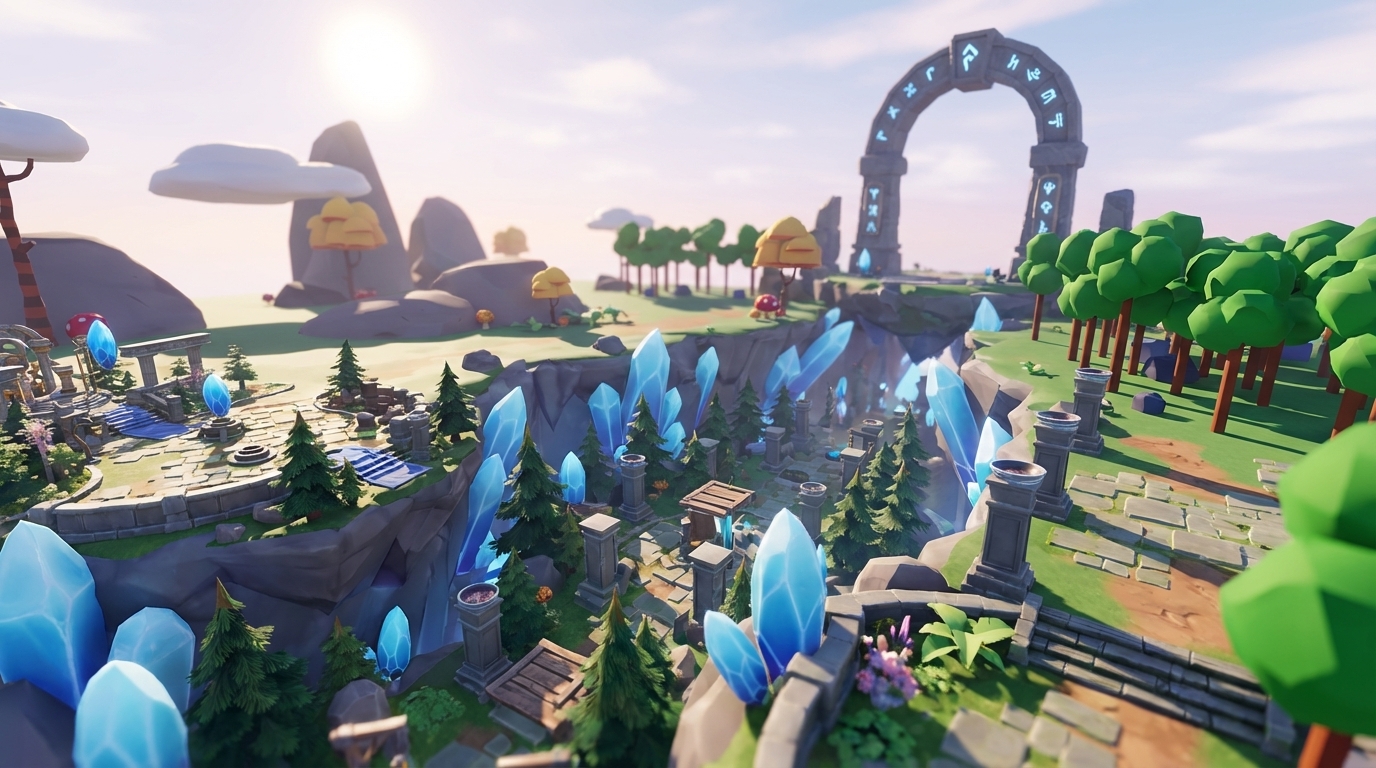
Key Takeaways
- AI game generators let you build 3D games in your browser without coding, downloads, or complex software. You use simple prompts and sketches.
- Nilo stands out with WebGPU graphics, vibe coding for interactivity, real-time collaboration, and automatic optimization for platforms like Roblox.
- You can follow 7 clear steps: sign up, generate assets, optimize/rig/animate, add interactivity, build your world, playtest with friends, then export and share.
- You can handle common problems like AI inconsistencies and performance issues using Nilo’s multi-provider generation, LOD sliders, and instant feedback.
- Ready to build your 3D game? Join Nilo’s open beta to create and play for free today.
Best AI Game Makers for Beginners: What to Look For
You should look at a few core features when you pick an AI game maker as a beginner. Focus on browser access, 3D engine performance, no-code interactivity, real-time collaboration, and export capabilities.
The table below compares how popular platforms handle these five features. Use it to see where you might need extra tools and where an all-in-one platform can save you time and confusion.
|
Tool |
Browser Access |
3D Engine |
No-Code Vibe Coding |
Real-Time Collaboration |
|
Nilo |
Yes |
Yes |
Yes |
Yes (true collaborative editing) |
|
Rosebud AI |
Yes |
Limited |
Yes |
Limited (sharing/remix, not fully real-time live editing) |
|
Roblox Studio |
No |
Yes |
Lua scripting required |
Yes (Team Create) |
|
Unity |
No |
Yes |
No |
Limited (version control) |
Think about how Nilo combines all these capabilities in one browser tab so you do not juggle separate apps. Rosebud AI lets you build no-code games through natural language prompts, but it lacks the real game engine depth needed for complex 3D worlds. When you try tools yourself, pay attention to user feedback, like surveys, where aspiring builders and already builders like you rate their experiences.

How to Create a Game with AI: 7 Steps
You can build your first no-code AI game maker project by following a simple flow. This browser AI game generator tutorial walks you from idea to a playable 3D world you can share. You can usually do this in under an hour without downloads or heavy software.
1. Sign Up and Open Nilo
Go to Nilo and create your free account. You get 1,000 free Nilo Bits each month for AI generation, export, and creation features. The platform runs directly in your browser, so you skip installation and setup. You can finish this step in about 30 seconds and start building right away.
2. Generate 3D Assets with Craft Your Model
Use Nilo’s “Craft Your Model” feature to create characters, props, and environments. Type prompts like “zombie for obby” or “floating crystal platform” to describe what you want. The platform connects to multiple AI providers, including Meshy and Tripo, to give you different styles and results.
You can also sketch in 2D and convert that sketch to 3D, or upload reference images when you want something very specific. Start with simple shapes and ideas, then refine. The AI works best with clear, focused descriptions instead of long multi-part prompts.

3. Optimize, Rig and Animate Your Models
After your model generates, use Nilo’s LOD slider to reduce polygon counts and keep gameplay smooth. Lower detail helps your game run better on phones and lower-end laptops. You can rig and animate with one click to add a skeleton for movement.
Type short prompts like “zombie walk cycle” or “crystal rotation” to generate animations. You spend more time playing with ideas and less time wrestling with technical steps.

4. Add Interactivity with Vibe Coding
Nilo’s natural language code editor turns your ideas into game logic. Type prompts like “zombie chases player with physics” or “crystal gives player speed boost when touched”. The AI creates working code and you see the results live in your 3D world.
You can also open the generated code and tweak simple values. Change “speed = 2” to “speed = 20” and watch how the game feels different. You learn real programming concepts while you build instead of reading dry tutorials.
5. Build Your World Layout
Use Nilo’s radial menu to create objects quickly and the inspector panel when you want detailed control. Drag your generated assets into the 3D space and arrange them into obby courses, arenas, or floating islands. You can stack platforms, create paths, and shape the level flow.

The built-in physics simulation runs in real time, so objects react as soon as you place them. Everything starts interactive and dynamic by default. You do not need to wire up physics manually or dig through long settings menus.
6. Playtest and Collaborate with Friends
Share your world’s URL with friends so they can join instantly in their browsers. Multiple people can edit at the same time while chatting through Discord or Telegram integration. You build together, test jumps, and tweak difficulty as a group.
This real-time collaboration turns creation into a social hangout. You get quick feedback, fix problems faster, and keep the same energy you feel when you play games together.

7. Export and Share Your Game
Export your creations in standard formats like FBX, glTF, and OBJ for use in Roblox Studio, Unity, or other platforms. Each platform has its own technical rules, such as Roblox’s 10K to 20K polygon caps for models. Nilo’s automatic optimization adjusts your assets so they meet these limits without manual cleanup.
If you prefer to stay inside one ecosystem, you can publish worlds directly in Nilo for others to discover and play. You choose whether your game lives only in Nilo, moves to Roblox or Unity, or appears in several places at once. Start exporting and sharing your creations in Nilo’s free open beta to see how your games behave across platforms.
ChatGPT and similar language models can generate code, but they do not include a full 3D engine or real-time physics. Pairing AI with a platform like Nilo gives you both the smart code generation and the live 3D world where you can test and play.
Common Pitfalls and How to Fix Them
Even with a strong AI game builder, you will hit a few bumps. You can avoid the most common issues and get better results faster by watching for these patterns.
AI Generation Inconsistency: AI-generated 3D meshes often exhibit topology errors, such as misaligned vertices or poor joint deformation. Generate several variations, compare them, and refine your prompts between attempts. Nilo’s model-agnostic setup lets you switch between AI providers when one model struggles with your idea.
Scripting Frustration: Traditional platforms expect you to learn Lua in Roblox or C# in Unity before you can add real interactivity. Use Nilo’s vibe coding system instead, which takes natural language prompts in any language and turns them into working code with instant 3D feedback. You still learn logic, but you skip the early wall of syntax errors.
Performance Optimization: High polygon counts create lag, especially on mobile devices and older laptops. Nilo’s automatic LOD system adjusts model complexity in real time so your game stays smooth across devices. You keep your worlds looking good without hand-editing every mesh.
Conclusion: Start Building Your 3D Game Today
This AI game generator tutorial gives you a full path to create playable 3D worlds without coding or heavy software. You can generate assets in seconds, wire up behaviors with simple prompts, and invite friends to build and test with you in real time.
You now have what you need to build a zombie obby, a floating crystal world, or any other game concept you keep thinking about. The tools exist, the community grows every day, and your creativity sets the ceiling. Turn your game ideas into reality in Nilo’s free open beta, where your first playable world can be just minutes away.
Frequently Asked Questions
What is the best AI game builder for complete beginners?
When you pick an AI game builder as an aspiring builder or already builder like you, look for a platform that covers the full workflow. Nilo combines 3D asset generation, natural language coding, real-time collaboration, and export features in one browser-based space. Prompt-only tools often generate games you cannot easily change, which limits your creativity.
With Nilo, you can sketch, type, or upload images to match what you imagine, then playtest with friends right away. The interface stays playful while still teaching real game development concepts. You learn by doing instead of reading long manuals.
Can AI actually generate a complete, playable game?
AI can help you build a complete, playable game when you treat it as a pipeline instead of a single magic prompt. AI works very well for individual pieces such as 3D models, textures, animations, and code logic. Platforms like Nilo connect these pieces into full experiences.
You generate characters, props, and environments, then add interactivity with vibe coding. You arrange your world with procedural tools and publish for others to play. This flow gives you real games while you keep creative control over every element. AI acts as a co-pilot that speeds you up instead of replacing your ideas.
How does vibe coding compare to traditional programming?
Vibe coding lets you describe behavior in natural language instead of writing Lua or C# from scratch. You say things like “make the zombie chase the player” or “add a speed boost when touching crystals”. The AI turns those sentences into working code and shows the result in your scene.
This approach removes the early scripting barrier that stops many people from ever shipping a game. You can still open the generated code, see variables, and tweak values to learn how everything works. Vibe coding feels friendly for beginners while still giving you a path into deeper programming skills.
What platforms can I export my AI-generated games to?
As covered in Step 7, Nilo exports to standard formats that work with major platforms. You can move assets to Roblox Studio, Unity, Unreal Engine, Blender, VRChat, and Rec Room from the same project. This cross-platform setup means you can start a world in Nilo, send characters to Roblox for one game, reuse them in Unity for another, and even bring them into social VR spaces.
The automatic optimization handles each platform’s unique requirements, so you do not get blocked by polygon limits or import errors. You are not locked into one ecosystem and can grow your skills across several engines over time.
Do I need expensive hardware to create 3D games with AI?
You can create 3D games with AI on standard devices without high-end graphics cards. Browser-based AI game creation platforms run most heavy tasks in the cloud. Nilo uses cloud computing for AI generation and WebGPU for 3D rendering, which splits the work between your device and remote servers.
This setup lets you build complex 3D worlds on laptops, tablets, and even some phones. The browser-based approach also removes installation steps and keeps your projects accessible across different operating systems. You can focus on your ideas instead of worrying about hardware costs.