
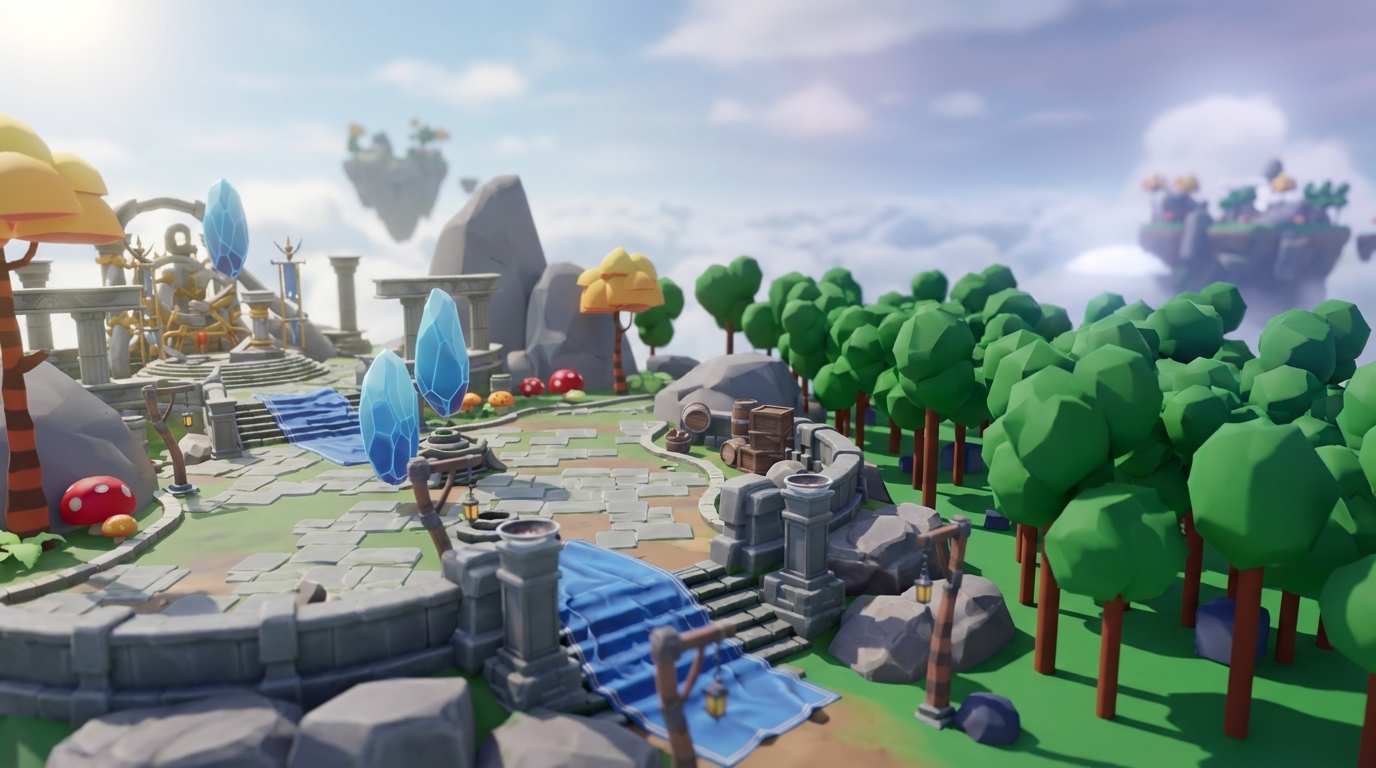
Key Takeaways: 3D Game Making Without Coding in 2026
-
AI and browser-based tools in 2026 let you create professional 3D games without coding, removing scripting and complex interfaces.
-
Nilo stands out among these platforms with full 3D support, text-to-3D generation, vibe coding, and browser multiplayer collaboration.
-
You can generate assets from text prompts, auto-rig and tune them for performance, then add interactivity with natural language.
-
Export optimized models directly to Roblox Studio or engines like Unity, so you skip the usual import and cleanup problems.
-
Start building Roblox-style worlds today by starting with Nilo’s free beta, which includes 1,000 monthly Bits.
Why Vibe Coding Game Creation Fits You in 2026
The numbers tell the story. 735 million monthly players across Roblox (400M+), Minecraft (190M+), and Fortnite (110M+) are not just playing: they are imagining their own worlds. You have also probably sketched game ideas, built elaborate structures in creative mode, or dreamed about the perfect obby that still does not exist.

AI removes the biggest blockers between your ideas and a playable world. Text-to-3D generation creates professional 3D models from simple descriptions in seconds. Natural language coding (vibe coding) lets you describe behavior in plain English while AI handles the scripting. Modern browser engines now run complex 3D worlds without installation headaches. Work that once needed teams of programmers and artists now happens through prompts and drag-and-drop tools.
These AI capabilities translate directly into speed gains. Platforms using AI often see builders working up to 20x faster than traditional methods, according to an experience shared on Nilo’s February 2026 User Survey.
You are not limited to tiny prototypes. Aspiring builders or already builders like you are creating full multiplayer worlds, character systems, and interactive stories through vibe coding solutions powered by AI.

Best Game Makers Without Coding In 2026: Side-by-Side Comparison
When you compare game tools that don’t require coding skills, focus on four things. Check how friendly they feel for beginners, whether they support full 3D creation, if they run in your browser without downloads, and what kind of AI features they include. Here is how several leading platforms line up:
|
Platform |
Ease for Beginners |
3D Support |
Browser-Based |
AI Features |
|---|---|---|---|---|
|
Nilo |
Natural language coding (vibe coding) |
Full 3D engine |
Yes |
Text-to-3D, vibe coding, auto-rigging |
|
GDevelop |
Visual system |
3D available |
Yes |
AI Agent for game mechanics and events |
|
Construct 3 |
Drag-and-drop |
3D available |
Yes |
None |
|
Rosebud AI |
Prompt-based |
3D available |
Yes |
Game generation from text |
|
Roblox Studio |
Requires scripting |
Full 3D |
No |
None |
Nilo stands out for builders because it combines full 3D support, AI asset generation, and collaborative building in the browser. When you test platforms, also look for free credits like Nilo’s 1,000 Bits monthly for generation, plus a growing community like Nilo’s 9,000+ Discord members, who share techniques and show their work.

Why Browser-Based 3D Tools Feel So Smooth
Browser-based creation removes a lot of friction from your first build. You avoid downloads, installation errors, and compatibility issues. You click a link and start building, whether you are on a school Chromebook or a gaming PC.
The underlying tech finally delivers. Modern browser engines can export to tiny 400 KB WebAssembly files while still holding 60 FPS performance. WebGPU brings console-style graphics into the browser. Real-time multiplayer collaboration now feels as smooth as hanging out on a Discord call.
For 3D specifically, browser tools give you social advantages. You share your world by sending a link. Friends can join your building session from almost any device. Changes sync in real time, so you watch each other’s work appear as it happens. Creation starts to feel like a multiplayer game instead of a solo software grind.
Step-by-Step: Build Your First 3D World in Nilo
You can build your first 3D world in Nilo without touching code. Follow these steps to go from idea to a playable experience.
1. Sign Up for Free Access
Visit and create your free Nilo account. You receive 1,000 Nilo Bits each month for AI generation, which is enough to create several assets and characters without spending a bunch of money.
2. Generate Your First 3D Asset
Describe what you want with text prompts, sketches, or reference images to create 3D models. Type “medieval castle tower” or “cyberpunk hover car” and watch AI build detailed models in seconds. The platform connects to multiple AI providers (Meshy, Tripo, Cartwheel), so you get strong results across different styles.

3. Optimize and Rig Automatically
Nilo’s Level of Detail (LOD) system reduces polygon counts automatically so your models run smoothly in-game. Once your model is tuned for performance, you can rig and animate it with one click. The platform handles the technical setup so you focus on how your character moves and feels.

4. Add Interactivity with Vibe Coding
Describe behavior in plain language, like “when the player touches the crystal, they jump higher” or “open the door when someone gets close.” Nilo’s vibe coding turns those sentences into working game logic. You see the result instantly and can adjust it without digging into scripts.
5. Build and Polish Your World
Use the radial menu to place objects, shape environments, and set up physics. Objects react by default, so they fall, bounce, and respond to players without extra setup. You can adjust sky colors, lighting, and terrain with simple sliders to match the mood of your game.
6. Share and Export Your Creations
Publish your world with one click and send the link to friends, or export to standard formats (FBX, OBJ, glTF) for Roblox Studio, Unity, or other tools. Export uses the same Roblox-focused optimization mentioned earlier, which removes most of the usual import headaches.
Builders often report huge time savings. One creator said, “I do not have to spend hours on 3D modeling the simplest things. Now I can use Nilo and do it in 15 seconds.” The whole flow feels closer to playing a game than learning heavy software.
Nilo vs Other Tools: What You Actually Feel While Building
Many platforms promise no-code or vibe-coded game creation, but Nilo’s approach fits especially well if you already build in Roblox or Minecraft and feel blocked by traditional tools.
Compared to Roblox Studio, Nilo removes the scripting wall. You do not need to learn Lua or search for a coder to team up with. Natural language prompts handle interactivity, and the browser interface avoids installation issues. You still get full 3D creation and exports tuned for Roblox’s polygon limits.
Compared to prompt-to-game tools like Rosebud AI, which generate whole games from descriptions, Nilo keeps you in control inside a real 3D editor. You are not just hoping the AI understands your idea. You move objects, test physics, and build with friends in real time. Think of it as the “Iron Man suit” style of AI, where you stay in charge while AI boosts your power.
Against pro engines like Unity or Unreal, Nilo focuses on accessibility while still using serious tech. The platform is backed by Supercell and runs on C++ physics, WebAssembly, and WebGPU. The interface still feels playful and direct. You pick up real game development concepts by doing, not by reading long documentation.
The Discord community and social media layers also make Nilo feel different from solo tools. Experience this collaborative approach in Nilo’s beta and see how other builders work through similar ideas.
Avoiding Pitfalls and Setting Realistic Goals
Relying only on AI without learning the basics can slow you down later. Nilo teaches real concepts like rigging, physics, and performance tuning through its interface. Spend time understanding why certain setups feel smoother or more fun.
Fast iteration matters more than perfect art on day one. The biggest strength of no-code tools is how quickly you can test ideas. Build something small, invite friends, watch how they play, and improve from there. Many hit Roblox games started as simple experiments that grew with community feedback.
FAQ
Can I make Roblox games without coding?
Yes. Platforms like Nilo let you create Roblox-ready assets without scripting. You use natural language prompts for interactivity, AI for 3D assets, and exports tuned for Roblox’s performance rules. The platform sends assets to Roblox Studio with proper polygon counts and clean topology.
Do browser game makers work without downloads?
Modern browser engines like Nilo run fully in your browser using WebGPU and WebAssembly. You avoid downloads, installs, and high-end hardware. You can create, collaborate, and share games by opening a link on any device with internet access.
What is vibe coding, and how does it work?
Vibe coding lets you build game logic with natural language instead of traditional code. You describe behavior in plain English, such as “make the player jump when they touch the green platform,” and AI turns that into working code. You see the effect in your 3D world and can adjust values with simple sliders.
Can I export games to Unity or other engines?
Most modern platforms export standard 3D formats like FBX, OBJ, and glTF for Unity, Unreal Engine, Blender, and more. Nilo focuses its exports on Roblox compatibility while still working with other engines. This keeps you from getting locked into one tool and lets you continue development elsewhere if you choose.
Conclusion and Your Next Move
Making 3D games without coding has become normal in 2026. AI tools remove technical walls, and browser engines give you strong performance without installs. You can finally turn the worlds in your head into something friends can play.
Your main decision is which platform fits your goals. If you want Roblox-style games, real-time collaboration, and hands-on building instead of pure prompt generation, Nilo offers a strong all-in-one option. Claim your 1,000 free Bits and start creating. Your first 3D world sits only a few clicks away.
