
Key Takeaways
-
Browser-based 3D game makers in 2026 use WebGPU and AI to deliver next-generation graphics with no-code creation, without downloads.
-
Evaluate tools by ease of use, AI features, 3D export options, collaboration, and pricing so they match how you like to build.
-
Nilo stands out as an AI-native platform for Roblox builders, with text-to-3D, real-time collaboration, and direct Roblox-focused exports.
-
PlayCanvas focuses on professional web 3D with team editing, while Rosebud AI helps you spin up AI prototypes quickly.
-
Nilo’s free open beta lets you build AI-assisted 3D worlds and export directly to Roblox without downloads.
How To Rank Easy Browser 3D Game Makers Yourself
Aspiring builders or already builders like you should evaluate browser 3D game makers using these eight criteria: learning curve, 3D creation ease, no-code features, performance, collaboration, export options, pricing, and community support.
When testing tools against these criteria, base your evaluation on official websites, live demos, and community feedback rather than marketing claims. Hands-on experience reveals what promo pages often hide.
As you evaluate, prioritize fun-first experiences over professional complexity, because your ideas deserve tools that feel like playing games, not operating software. No single tool excels at everything, so match features to your goals and building style.
Quick Summary: Browser 3D Game Makers to Test in 2026
Here is a quick overview of the top options:
Nilo stands out as an AI-native platform for Roblox builders, so you can generate 3D from text, build with friends in real time, and use export workflows tuned for Roblox. PlayCanvas lets you build professional 3D web games with real-time collaboration and glTF model support. Rosebud AI turns your text prompts into playable game prototypes fast. Flowlab gives you no-code 2D and light 3D creation with easy sharing for classrooms. GDevelop offers open-source HTML5 exports and shines more on 2D.
Warning: Roblox Studio leads the Roblox ecosystem, but it needs installation and scripting. Since it’s not browser-based, it’s not featured below.
5 Browser 3D Game Makers Detailed
Nilo – AI-Native 3D Creation for Roblox Builders
Nilo combines AI text-to-3D generation, sketch-to-model pipelines, natural language code editing (vibe coding), and real-time multiplayer collaboration in a custom browser-based game engine. You generate characters, props, and environments from prompts, then rig and animate with one click. The platform automatically optimizes polygon counts for Roblox’s strict performance limits and exports in formats that work cleanly with Roblox Studio, Unity, and other engines.

Pros: Complete workflow from idea to Roblox-ready assets, AI-powered asset generation, real-time collaboration, automatic optimization. In a February 2026 survey, 93% of builders said they would recommend Nilo to a friend.
Best for: Roblox creators who want to build faster without learning Blender or traditional scripting.

#2 PlayCanvas – Professional Web 3D Engine
PlayCanvas provides a cloud-based editor with real-time collaborative editing and automatic builds for complex 3D projects. The platform supports VR and AR through WebXR, includes Ammo.js physics simulation, and lets multiple team members live-edit glTF models at the same time.
Pros: Strong performance, professional features, real-time collaboration, WebXR support.
Cons: Requires more technical knowledge and manual coding for game logic, with a steeper learning curve.
Best for: Web developers building browser-based 3D experiences with teams.
#3 Rosebud AI – Prompt-to-Game Generation
Rosebud AI focuses on generating playable games from text prompts, so you can prototype ideas quickly without building every asset by hand. The platform emphasizes speed and AI assistance for rapid iteration.
Pros: Fast prototype generation, AI-driven workflow, minimal setup.
Cons: Limited hands-on building, less control over final output, shallow 3D capabilities.
Best for: Quick game concept testing and AI-assisted prototyping.
#4 Flowlab – No-Code with Educational Focus
Flowlab offers visual scripting for 2D and basic 3D games with instant web publishing and classroom management tools. The platform includes a built-in sprite editor and supports exports to several platforms on paid plans.
Pros: True no-code approach, educational features, instant sharing, multi-platform export.
Cons: Limited 3D capabilities, basic graphics, paid plans needed for advanced exports.
Best for: Beginners learning game development and for classroom use.
#5 GDevelop – Open-Source HTML5 Creation
GDevelop provides open-source game development with visual scripting, community extensions, and exports to HTML5, Android, Windows, and macOS. The platform focuses mainly on 2D games with some 3D support.
Pros: Completely free core features, open-source flexibility, strong 2D capabilities, and an active community.
Cons: Limited 3D features, more technical setup, primarily 2D-focused.
Best for: Developers who want free tools and do not mind extra complexity.
Nilo Deep Dive: Build Your First 3D World in Minutes
Nilo’s five-step workflow helps you go from idea to Roblox-ready assets without juggling a bunch of tools. First, visit play.nilo.io and create your account. Second, generate 3D assets with AI by typing descriptions, uploading sketches, or using reference images through integrated providers like Meshy and Tripo.
Third, tune your models with the level of detail slider, then rig and animate characters with a single click. Fourth, add game logic using the natural language code editor by telling the AI what you want, such as “zombie chase player,” and watching it update your scene live.
Fifth, invite friends to build together by sharing your world’s link, then use Nilo’s export optimization discussed earlier when you move assets into Roblox Studio.

Builders report working “20 times faster than usual” with Nilo’s integrated workflow. This speed gain comes from removing tool-switching friction. Instead of jumping between Meshy, Blender, and Roblox Studio and losing creative momentum with each change, you stay in one environment from concept to Roblox-ready assets.
The platform handles technical work like UV mapping, rigging, and polygon optimization automatically, so you can focus on creative choices.
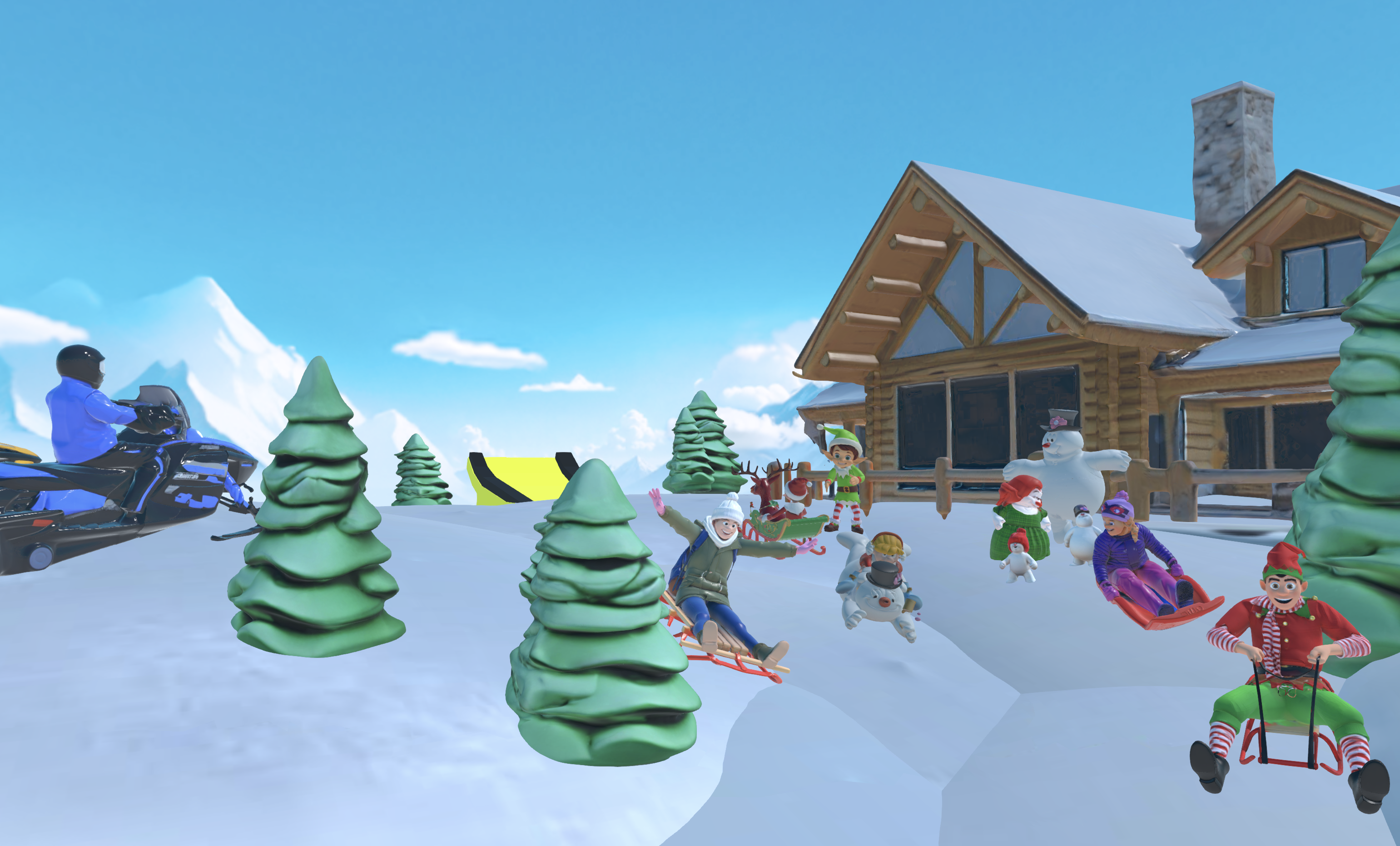
Experience this integrated workflow yourself in Nilo’s open beta.
Picking the Right Browser 3D Game Maker for You
You should pick a browser 3D game maker based on your priorities and experience level. If you want the easiest entry point with AI help, Nilo and Rosebud AI offer the most accessible workflows. For professional web development with team collaboration, PlayCanvas provides robust features and strong performance. Classroom projects benefit from Flowlab’s no-code approach and teacher tools.
Consider key tradeoffs: AI speed versus precise control, ease of use versus feature depth, and platform-specific optimization versus broad compatibility. Within these tradeoffs, Nilo stands out for Roblox builders because it combines AI generation with export optimization tuned to Roblox, which removes much of the usual workflow friction. As you navigate these learning curves, the platform’s Discord community mentioned earlier gives you support and inspiration.
WebGPU support helps these browser tools deliver real game engine performance instead of simple demos. Start with free tiers to test workflows, then upgrade based on your specific needs and how you like to build.
Frequently Asked Questions
Which browser 3D game maker works best for Roblox builders?
Nilo stands out for Roblox creators, with export optimization that meets Roblox’s typical polygon limits of around 10K to 20K triangles and texture requirements. The platform handles level of detail optimization and exports FBX files that import cleanly into Roblox Studio without manual cleanup. Other tools usually need extra steps to make assets Roblox-compatible.
Can I create 3D games in the browser completely free, with no coding?
Several platforms offer free tiers with no-code creation. Nilo is in open beta and free to use with 1,000 Nilo Bits per month for AI generation and exports. GDevelop provides free core features with visual scripting. Flowlab includes free web publishing.
Should I use AI-powered tools or manual creation for 3D games?
AI handles rapid asset generation, rigging automation, and natural language coding so you can test ideas quickly. Manual tools give you finer control but demand more time to learn. A blended approach works well: generate quickly with AI, then refine by hand to match your vision.
Do browser 3D game makers work on mobile devices?
Most modern browser-based tools support mobile creation, though performance varies. Nilo runs in mobile browsers for both creation and collaboration. PlayCanvas supports mobile-focused workflows. Complex 3D editing still feels better on desktop or tablet devices with larger screens and more power.
Can I export games to Unity, Blender, or other professional tools?
Export options differ a lot between platforms. Nilo exports standard 3D formats like FBX, OBJ, and glTF that work with Unity, Blender, Unreal Engine, and other pro tools. PlayCanvas exports to web formats and can plug into professional pipelines. Flowlab and GDevelop focus more on direct publishing than deep pro-tool integration. Always check export formats before you commit to a platform.
How steep is the learning curve for browser 3D game makers?
Browser tools usually feel easier to learn than full professional software. Nilo and Rosebud AI give you the smoothest entry with AI help and simple interfaces. Flowlab and GDevelop ask you to learn visual scripting ideas but skip traditional code. PlayCanvas expects more technical knowledge similar to pro engines. Most builders can create a first interactive 3D scene in hours instead of weeks.
Start Building 3D Worlds Today
Your tool choice should match your goals and experience level. For Roblox builders who want fast results with AI help, Nilo provides a streamlined path from concept to export. Focus on ease of use and AI features over heavy professional complexity so your tools feel like play, not work.
