
Key Takeaways
-
Vibe coding lets you create interactive obbies, tycoons, and physics mechanics with natural language prompts instead of learning Lua scripting.
-
Nilo’s AI-native browser engine generates working code instantly with real-time physics feedback, so traditional coding barriers disappear.
-
15+ proven prompts cover world building, 3D assets, interactivity, refinement, and Roblox-specific mechanics like tycoon money systems.
-
You can prototype, collaborate in real-time, and export optimized assets directly to Roblox without installations or steep learning curves.
-
Nilo’s open beta gives you free access to vibe coding features, with 1,000 free Bits each month for AI generation and exports.
The Problem: Lua Scripting Slows Down Your Roblox Ideas
Lua scripting blocks your Roblox dreams. While 735 million players enjoy interactive games across Roblox, Minecraft, and Fortnite, you as an aspiring builder face a harsh reality: making anything interactive requires learning Lua programming. Tutorials leave you confused, documentation feels overwhelming, and finding a scripter to partner with takes forever.
This scripting barrier causes real frustration and burnout. You can build amazing structures in Roblox Studio, but they just sit there, with no jumping platforms, no working doors, and no multiplayer features. Nilo removes this coding bottleneck with natural language prompts that generate working game mechanics instantly.
The Solution: Vibe Coding Your Roblox Worlds in Nilo
Nilo’s AI-native browser engine changes how you create interactive worlds. You skip Lua syntax and simply type “make player jump higher” and watch C++ physics changes happen in real time. The platform works as a game engine first, with AI acting as your co-pilot instead of replacing you.
This approach delivers clear benefits. You prototype interactive mechanics without code, collaborate with friends in real time, and export directly to Roblox with automatic LOD optimization. 82% of builders rate their Nilo experience as “Awesome” or “Good” from Nilo’s February 2026 Survey because creation finally feels like play, not work. Start building your first game in Nilo’s open beta, which is completely free.

Top Vibe Coding Categories That Match How You Build
To help you get started with vibe coding, you can group the most effective prompts into five categories that match how you naturally think about building games. Each category supports a different stage of your creative process.
Effective vibe coding prompts fall into five core categories that follow your natural building workflow. You usually start with World Building to create your game’s foundation, where prompts like “Create basic obby world” let Nilo spawn platforms and checkpoints instantly. Once your world exists, you add 3D Assets & UI such as weapons and health bars, so prompts like “Generate medieval sword with glow effect” give you an instant rigged weapon.
With your world and assets in place, you layer in Interactivity & Physics to make everything respond to player actions, and prompts like “Add bouncy platform that launches player up” create working physics mechanics. As you playtest, Refinement & Debug prompts such as “Make jumps feel snappier” help you improve gameplay feel step by step. Finally, Roblox Game Mechanics prompts like “Create tycoon money system” add genre-specific features that define the type of Roblox game you are building.
15+ Vibe Coding Prompt Examples You Can Use
Building Basics: Worlds and Layouts
“Create obby spawn platform with checkpoint system”
Nilo generates a starting platform with automatic respawn points. The AI understands obby conventions and creates properly spaced checkpoints that save player progress.
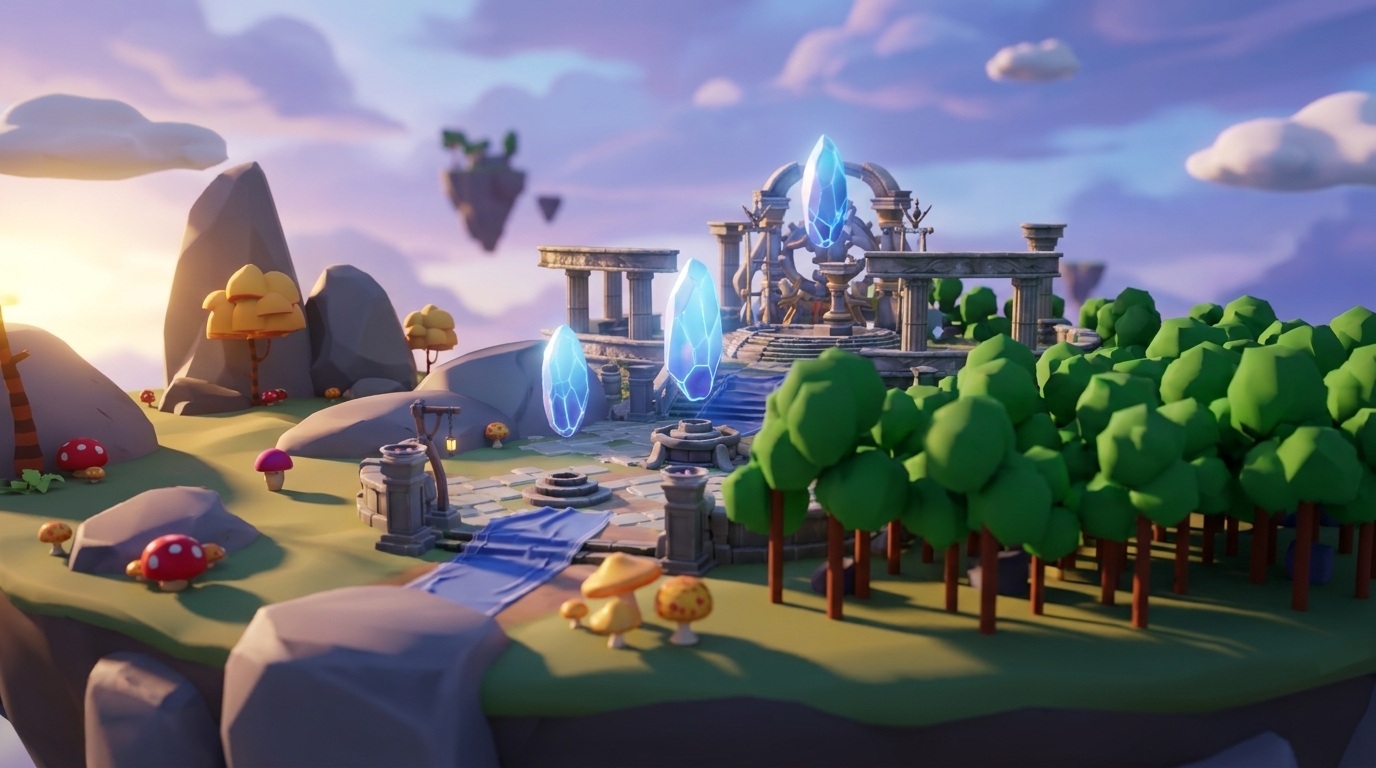
“Build floating island world with teleport pads”
This prompt creates multiple floating landmasses connected by interactive teleporters. Players can explore different areas without falling into the void.

“Make medieval castle with working drawbridge”
Nilo generates a castle structure with an animated drawbridge that responds to player interaction. The physics system handles the bridge movement automatically.
Tip: Start with simple world layouts before you add complex mechanics. Nilo responds best when you give one clear objective per prompt.
3D UI & Assets: Swords, HUDs, and Visuals
“Generate glowing sword with particle effects”
Nilo creates a rigged weapon with visual effects and proper collision detection. The sword automatically attaches to player hands with realistic animations.

“Create multiplayer chat UI for roleplay”
This prompt builds a functional chat system with username display and message history. It works well for roleplay worlds where communication drives gameplay.
“Make health bar that changes color when low”
Nilo generates a responsive UI element that tracks player health and shows visual feedback through color transitions from green to red.
Tip: Add details like “glowing” or “particle effects” to get more polished results. Nilo’s AI responds well to descriptive language.
Interactivity & Physics: Movement and Triggers
“Add bouncy platform launching player up, speed=15”
Nilo creates a trampoline-style platform with precise physics settings. The speed value gives you control over launch intensity.
“Make pressure plate that opens secret door”
This prompt generates an interactive mechanism where stepping on a plate triggers a door animation. The physics system handles collision detection automatically.
“Create moving platform that follows waypoints”
Nilo builds a transportation system with predefined paths. Players can ride platforms between different areas of your world.

Tip: Use specific numbers like “speed=15” or “height=20” for precise control. You can adjust these values later through Nilo’s code editor.
Refinement & Debug: Tuning Feel and Balance
“Make jumps feel snappier”
Iterative refinements like this adjust physics parameters for better gameplay feel. Nilo understands subjective terms like “snappier” and turns them into code changes.
“Reduce fall damage by half”
This prompt modifies existing damage systems without breaking other mechanics. The AI keeps your world’s balance while making targeted improvements.
“Speed up elevator movement by 30%”
Nilo fine-tunes existing interactive elements. Percentage-based adjustments give you precise control over gameplay pacing.
Tip: Use comparative words like “faster,” “slower,” or “more responsive” when you refine existing mechanics. Nilo works especially well for iterative improvements.
Roblox Game Mechanics: Tycoons, Teams, and Exports
“Create tycoon money system with auto-collectors”
Nilo generates a complete economic system with currency generation, collection, and display. This setup fits tycoon-style games where progression keeps players engaged.
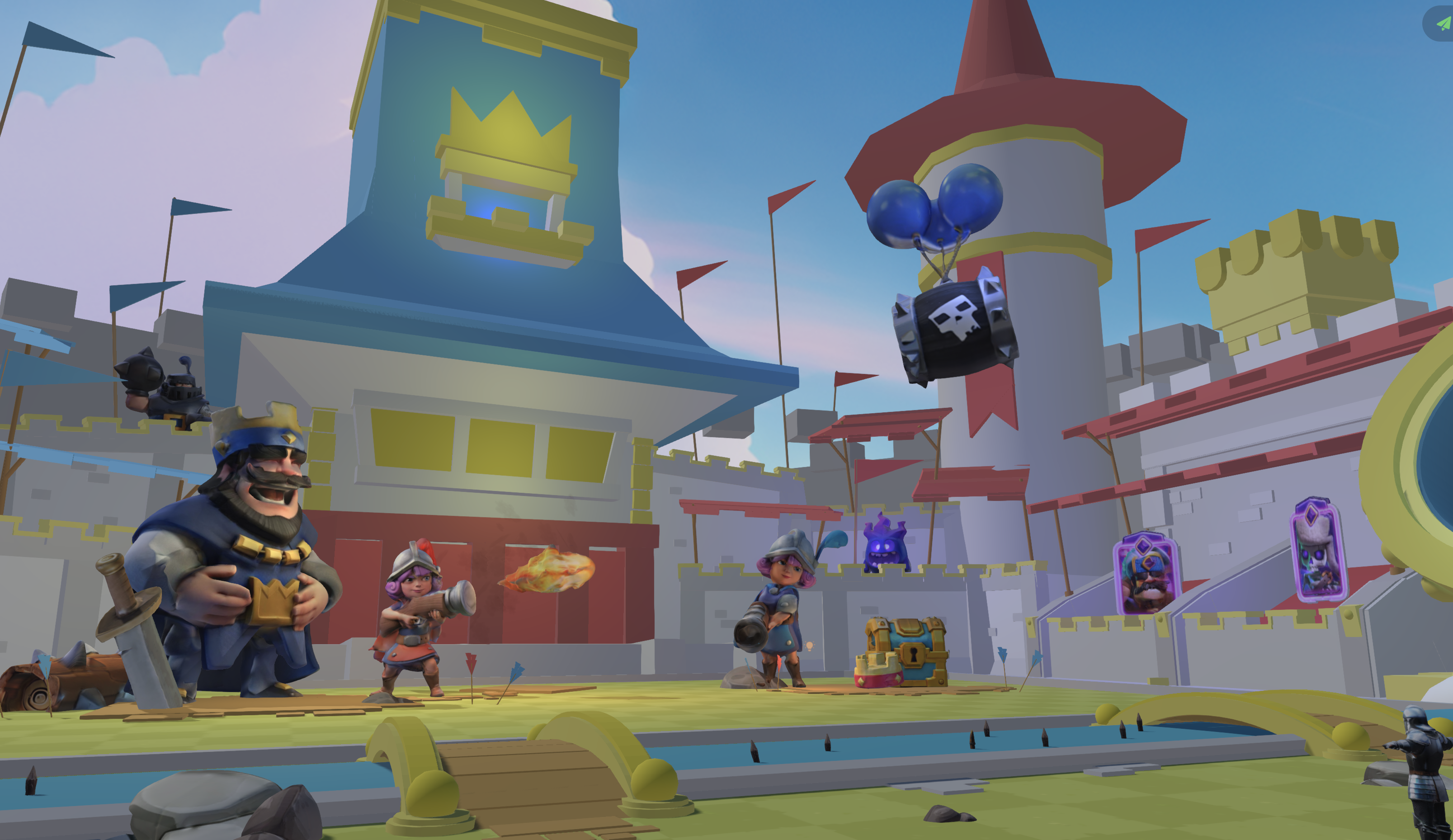
“Add team selection lobby with colored spawns”
This prompt creates a multiplayer team system with clear visual organization. Players choose teams and spawn in designated areas with matching colors.
“Make low-poly models for Roblox export”
Nilo prepares 3D assets for Roblox’s polygon limits automatically. The LOD system helps your models perform well across all devices.
Tip: Mention “Roblox export” in your prompts to trigger automatic optimization for platform-specific needs like polygon counts and texture sizes.
Comparisons: Nilo and Other Creation Tools
Traditional game creation often means juggling several disconnected tools. Roblox Studio needs a desktop install and Lua scripting knowledge. Unity and Blender have steep learning curves with complex interfaces built for pro developers. Rosebud AI lets you generate games from prompts, but you cannot tweak the engine deeply or build collaboratively with friends.
Nilo brings these pieces together in one browser-based environment. You build, script through natural language, collaborate in real time, and export to any platform, all without installations. The platform shows that creation can feel as fun as playing.
Vibe Coding Prompt Tips That Actually Help
Effective vibe coding follows a few simple principles. Focus on one thing at a time, include specific parameters like “speed=20,” and iterate using Nilo’s real-time feedback. Start with simple requests before you add complexity, and use descriptive language that captures both function and feel.
When prompts do not work perfectly, refine instead of restarting. Say “make jumps snappier” instead of regenerating the entire jumping system. Nilo’s AI learns from your feedback and improves results through iteration.
Why Nilo Stands Out for Roblox Vibe Coding
Installation-heavy engines like Unity and Roblox Studio and prompt-only tools like Rosebud and Oasiz each cover only part of the workflow. Nilo combines real-time collaboration, export flexibility, and automatic LOD optimization in one browser-based package. You get the creative control of a professional engine with the accessibility of natural language prompts.
The high satisfaction ratings mentioned earlier reflect how Nilo removes the usual barriers between imagination and execution. Experience vibe coding yourself in Nilo’s free open beta.
Frequently Asked Questions
Best vibe coding prompts for Roblox games
The most effective prompts combine specific mechanics with clear parameters. Examples include “create obby platform launching player up, speed=15” for physics-based gameplay, “add multiplayer chat for roleplay worlds” for social features, and “make low-poly models for Roblox export” for optimized assets. Start with simple world-building prompts before you add complex interactive systems.
How vibe coding compares to traditional Lua scripting
Vibe coding removes the learning curve of Lua syntax by accepting natural language descriptions of what you want to build. Instead of writing “game.Players.LocalPlayer.Character.Humanoid.JumpPower = 50,” you simply say “make player jump higher.” Nilo generates the underlying code instantly while still letting you see and modify variables so you can learn.
Exporting vibe-coded worlds from Nilo to Roblox
Yes, you can export directly from Nilo to Roblox Studio in FBX format with automatic LOD optimization that respects Roblox’s polygon limits. Your vibe-coded mechanics, rigged characters, and optimized assets transfer cleanly, keeping functionality while supporting performance across devices.
Using Nilo for free vibe coding
Nilo offers 1,000 free Bits per month for AI generation, export, and creation features. You get access to vibe coding, collaboration tools, and publishing capabilities without upfront costs. The free tier supports learning and experimentation before you move to paid plans.
Tips that improve vibe coding prompt success
Focus on one mechanic per prompt, include specific parameters like speeds or distances, and use descriptive language that covers both function and visual style. Iterate using Nilo’s real-time feedback instead of starting over, and begin with simple world layouts before you add complex interactive systems.
Conclusion: Start Vibe Coding Your Roblox World
Vibe coding prompts turn game creation from a coding challenge into a creative conversation. With these 15+ examples, you can build interactive obbies, tycoons, and roleplay worlds without touching Lua. Test these prompts in Nilo’s browser-based environment and see how natural language unlocks your game development potential. Try these prompts yourself and join Nilo’s open beta for free.
