
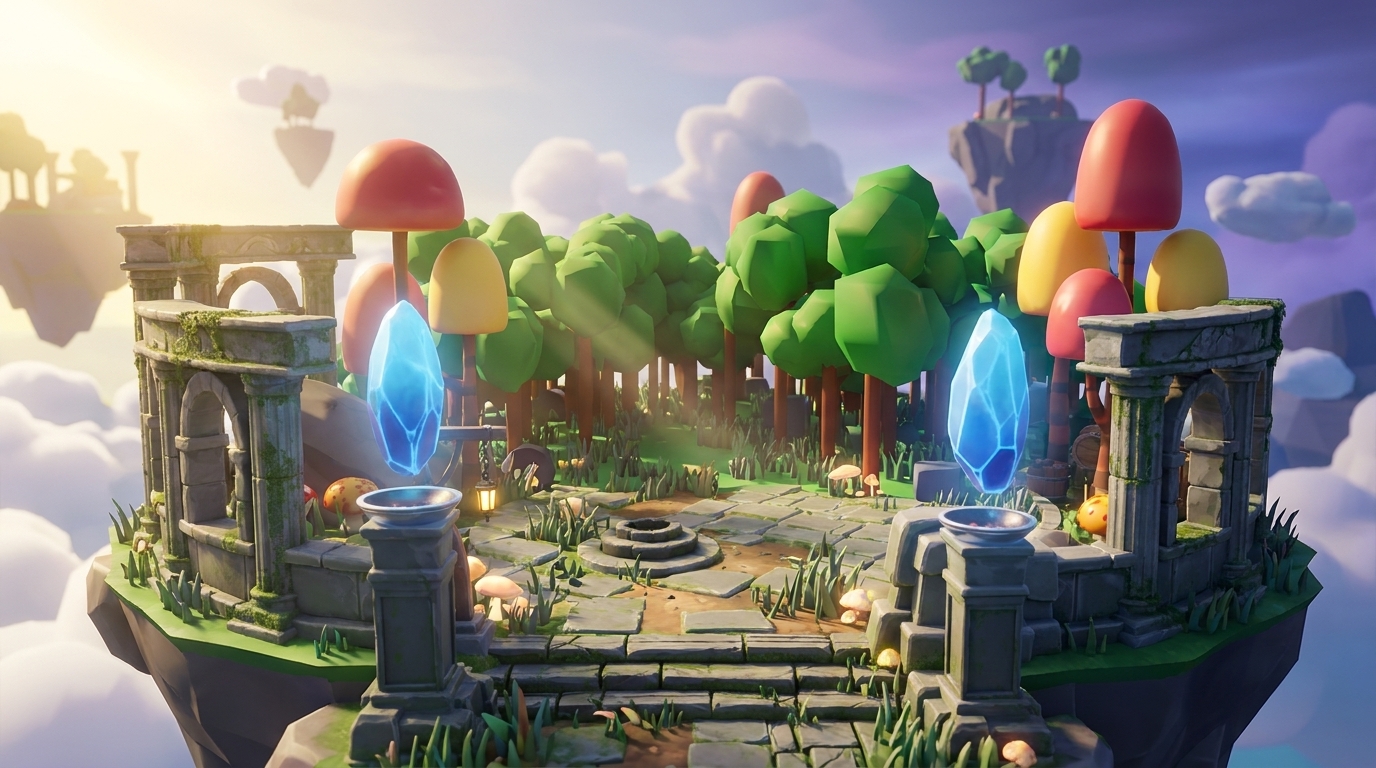
Key Takeaways
- Vibe coding lets you prototype Roblox games like obbies, hangouts, and tycoons by talking to an AI instead of learning Lua scripting.
- Strong tools such as Nilo give you browser access, Roblox-ready exports, multiplayer collaboration, and automatic checks for polygon limits.
- Reliable workflows follow clear steps: generate assets, add logic with precise prompts, playtest in the browser, then export to Studio.
- You avoid common problems like AI hallucinations and lag when you pick platforms with real-time validation and smart LOD controls.
- Join Nilo’s open beta today to vibe code your first Roblox prototype for free with 1,000 Bits each month.
The Problem: Scripting Roadblocks Slowing Your Roblox Builds
Traditional Roblox Studio workflows slow your creative momentum. You spend hours learning Lua syntax, searching for scripters on Discord, or bouncing between broken tutorials. Even simple mechanics like speed boosts or teleporters demand that you understand remote events, server-client architecture, and debugging tools that feel confusing when you are just starting.
The slow iteration cycle crushes motivation. Picture this: you model an awesome obby in Studio, but moving platforms need scripting knowledge you do not have. You either abandon the project or spend weeks learning code instead of building worlds. This same situation happens thousands of times every day. Luau, Roblox’s scripting language, keeps growing on GitHub, which shows huge demand for Roblox development skills. That growth also shows how many builders like you hit the same scripting wall and feel forced to become programmers just to ship a game.
Vibe coding removes many of these barriers. You skip memorizing syntax and simply tell the AI what you want, such as “Make the player jump higher when they touch this part” or “Create a shop that sells speed boosts for 100 coins.” The AI handles the technical work while you focus on game design. Many builders enjoy this style of code assistance because it feels closer to chatting with a teammate than fighting with an editor.
The Solution: How Vibe Coding Changes Roblox Creation
Vibe coding turns game creation into a conversation instead of a coding lesson. You describe mechanics using natural language through voice, text, or even images, and AI turns those ideas into working Lua scripts. You get a coding partner who stays patient, responds quickly, and understands what you mean most of the time.
The main difference from traditional coding is that you work with concepts, not syntax. You do not worry about RemoteEvents or ServerStorage. You say “When players click this button, give them a sword,” and the AI builds the correct Roblox code structure for you.
Effective vibe coding usually includes real-time feedback so you see changes instantly in your 3D world. It also uses iterative prompting so you can refine results with follow-up requests, plus modular scripts so you can reuse code blocks across projects. Base44’s vibe coding guide explains a helpful prompt pattern: “Create a [Function] website. Use a [Layout] structure. Apply a [Visual Style] aesthetic.” You can adapt that same idea for Roblox games.
How To Compare Roblox Vibe Coding Tools
When you compare vibe coding tools for Roblox, focus on export compatibility, browser access, collaboration features, and how well the tool handles optimization. The table below shows how these platforms line up so you can see which ones cover the full workflow instead of only generating code snippets.
| Tool | Roblox Export | Browser-Based | Multiplayer Collab | Optimization (LOD/Polycount) | Natural Language Strength |
|---|---|---|---|---|---|
| Nilo | Yes (FBX/glTF, rigged/animated) | Yes | Yes (real-time link-share) | Yes (auto-LOD, 10K-20K poly) | Strong (voice/text/any lang, real-time 3D) |
| Rosebud AI | Partial | Yes | No | Limited | Strong (code gen) |
| Cursor | No | Yes | No | No | General (not Roblox) |
| Lemonade.gg | Yes (Studio plugin) | No (install) | No | Limited | Moderate (Studio-tied) |
Evaluation tip: prompt each tool to create a simple obby with moving platforms, then check export quality, lag performance, and collaboration options. Try Nilo’s full 3D engine to see how browser-based creation compares to desktop-only tools.
The browser advantage matters a lot once you start sharing projects. Desktop-only tools need installation, updates, and specific hardware. Browser platforms let you start building right away and invite friends with a simple link, without asking them to download anything.
Step-by-Step Roblox Vibe Coding Workflows and Prompts
Clear workflows help you get accurate AI results and spend less time debugging.
1. Asset Generation: Start with 3D models before you add logic. Use text-to-3D prompts such as “medieval castle tower with stone texture,” or sketch your idea and let the AI convert that drawing into 3D.

2. Logic Implementation: Add mechanics with specific, action-focused prompts. Skip vague lines like “make it fun.” Use detailed instructions such as “Player jumps 50% higher when touching the green platform for 10 seconds.”
3. Browser Playtesting: Test mechanics right away in the browser. Invite friends through shared links, watch how they play, and adjust difficulty or layout before you export.
4. Roblox Studio Export: Export assets with proper rigging and animations. The LOD system keeps your models within Roblox’s polygon limits so you avoid surprise lag on mobile.

Here are three prompt templates you can copy and tweak:
Obby Template: “Create an obstacle course with 5 platforms. Platform 1: normal jump. Platform 2: speed boost for 3 seconds. Platform 3: bouncy surface that launches players upward. Platform 4: moving left-right every 2 seconds. Platform 5: finish line that displays victory message.”

Hangout Template: “Build a social room with interactive doors that open when players approach, seating areas where players can sit by clicking, and a music system that plays different songs when players touch colored buttons.”
Tycoon Template: “Design a money collector system where players click a button to earn 10 coins per click, coins automatically save to player data, and a shop sells speed upgrades for 100 coins and jump upgrades for 200 coins.”

Code example for tweakable mechanics:
-- Speed boost platform (Nilo-generated) local platform = workspace.SpeedPlatform local speed = 20 -- easily adjustable local duration = 5 -- seconds platform.Touched:Connect(function(hit) local humanoid = hit.Parent:FindFirstChild("Humanoid") if humanoid then humanoid.WalkSpeed = speed wait(duration) humanoid.WalkSpeed = 16 -- default speed end end)
Nilo’s multiplayer co-building feature lets several builders work on the same project at once. You share the creative process in real time, similar to playing together in a live server.
Common Roblox Vibe Coding Pitfalls and How To Fix Them
Even with AI help, certain problems show up again and again in Roblox vibe coding projects.
AI Lottery Results: Direct prompts to large language models can produce fake APIs or broken patterns. Nilo reduces this risk with curated training data and real-time validation that checks code before you run it.
Polycount Lag: AI-generated models often go past Roblox’s usual 10K to 20K polygon range and cause lag on phones. Nilo’s automatic LOD slider lowers mesh complexity so you do not spend hours on manual retopology.
Export Failures: Tools such as SEELE AI can speed up script generation, yet many platforms still export buggy projects. Nilo adds visual feedback during export so you catch problems before they land in Studio.
You get smoother results when you choose platforms that handle generation, optimization, and export together instead of tools that only write code.
Why Nilo Stands Out for Roblox Vibe Coding
Nilo combines a browser-native setup with a full game engine, which makes it a strong choice if you want polished Roblox results without deep technical work. Everything runs in your browser, so you skip installs, downloads, and expensive hardware.
The natural language editor accepts voice, text, or image inputs in any language and turns them into working code with real-time 3D feedback. You see changes inside your world as you prompt, not after long build steps. According to Nilo’s February 2026 Survey, 82% of builders rate their experience as “Awesome” or “Good,” with 72% saying Nilo makes their creative process easier “a lot”.
Survey responses also show that builders prefer Nilo’s code assistance over other vibe coding tools they tried, especially for natural language understanding and quick feedback while testing.
Key features that differentiate Nilo:
- Craft Model: Generate 3D assets from sketches, images, or text prompts.
- Optimize/Rig/Animate: Rig and animate with one click.
- Playtest with Friends: Build and test together through real-time multiplayer links.
- Export Ready: Send FBX or glTF files that already respect Roblox’s polygon limits.
The 9,000+ Discord community gives you support, showcases, and people to collaborate with. Start your first project in the open beta and use the included Bits to explore the features described here.
Real Roblox Vibe Coding Examples You Can Try
Builders regularly create complete obbies in under 5 minutes using Nilo’s vibe coding workflow. One builder used the prompt “Create a medieval castle obby with drawbridge platforms that lower when players approach” and exported a working prototype to Studio in about 4 minutes.
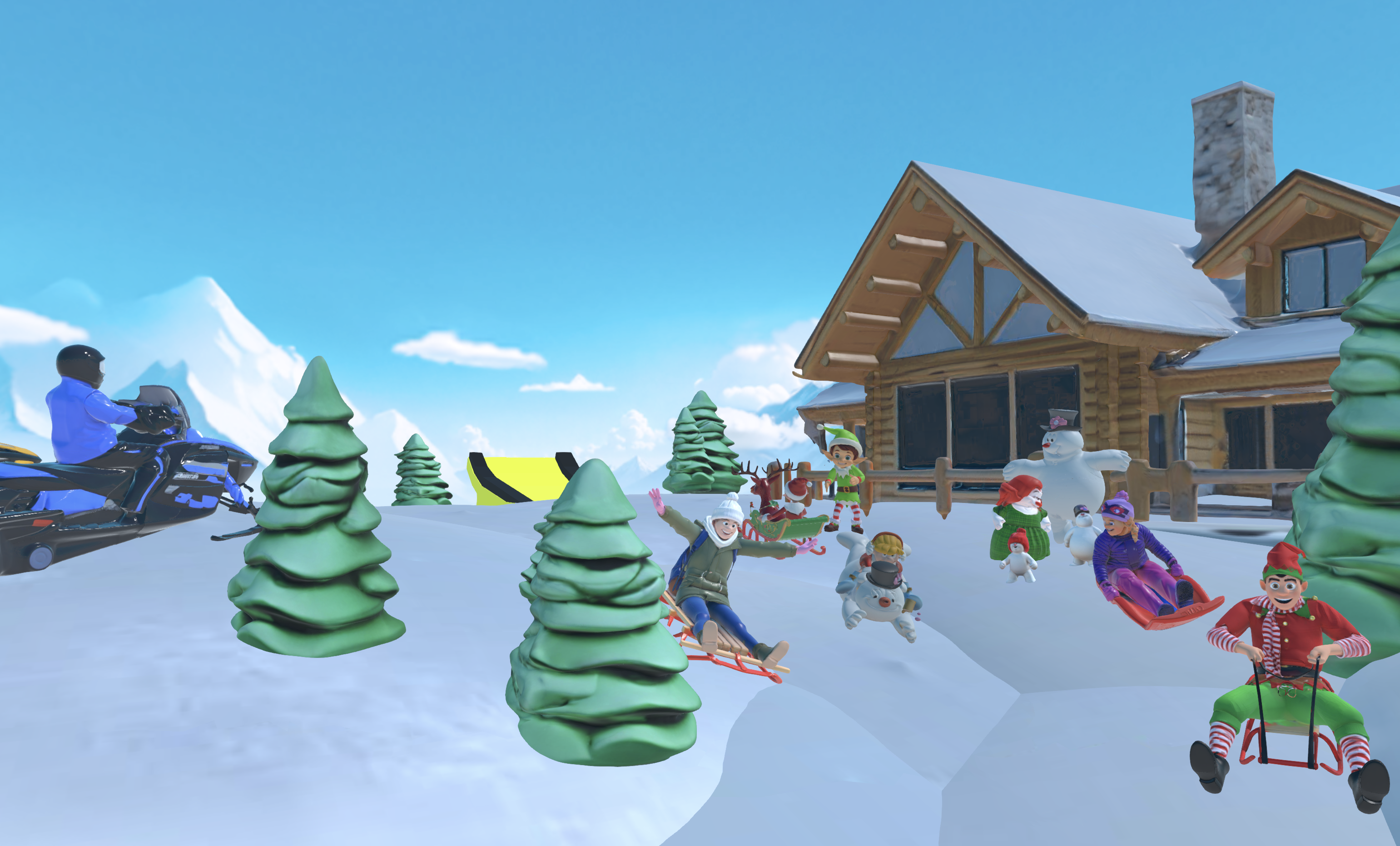
Another builder tried “Build a floating island tycoon where players collect crystals to unlock new islands” and playtested with friends in the browser before exporting. You can follow the same pattern by starting with a clear theme, listing a few mechanics, and then refining each step with follow-up prompts.
FAQ
What is the best vibe coding program for Roblox?
Nilo stands out for Roblox builders because it mixes natural language coding with automatic export optimization. Unlike prompt-only tools, Nilo gives you a full 3D environment where you build, test, and iterate before export. As mentioned earlier, the automatic LOD system handles polygon optimization so you avoid the manual Blender cleanup that many other tools still require.
What are the risks of vibe coding for Roblox?
Common risks include buggy AI code, heavy models that cause lag, and exports that do not work correctly in Studio. Nilo tackles these issues with real-time validation, automatic optimization, and visual feedback while you build. The platform catches many errors before they reach Roblox Studio.
How does Nilo compare to Rosebud AI for Roblox development?
Nilo focuses on deeper 3D creation with its own game engine, while Rosebud AI focuses more on code generation. With Nilo you can create assets, rig them, animate them, and export them for Roblox in one place. Rosebud AI usually needs extra tools for 3D modeling and asset prep.
Can I use free vibe coding tools for Roblox?
Yes, you can start with free tiers. On Nilo, the free tier mentioned earlier covers a lot of building activity without payment pressure. Many core building features use no Bits at all, so you can experiment before you decide to spend anything.
How do I export vibe coded games to Roblox?
Build your assets and mechanics in the vibe coding platform, then export as FBX or glTF files. Import those files into Roblox Studio. Nilo handles polygon counts and rigging for characters and animations, which removes most of the usual cleanup work.
Can I vibe code without any coding knowledge?
Yes, you can. Vibe coding uses natural language instead of programming syntax. You describe what you want in plain English, and the AI writes the technical part. You can also learn by reading the generated code and tweaking values such as speed or duration to see what changes in your game.
Conclusion
Vibe coding opens Roblox game creation to builders who have strong ideas but limited scripting skills. Nilo offers a fast, reliable path from concept to playable prototype so you spend more time designing and less time fighting syntax errors.
The future of game creation feels conversational, collaborative, and open to anyone with imagination. Start creating the Roblox worlds you have always imagined and use your first 1,000 free Bits in the open beta to bring those ideas to life.
