
Key Takeaways
- Vibe coding uses natural language prompts to generate game code and mechanics instantly, so you skip traditional scripting and prototype fast.
- Low poly 3D models reduce GPU load for faster rendering, higher frame rates, and Roblox-friendly assets without manual optimization.
- You can build zombie chases, island builders, and parkour arenas from simple AI conversations and quick iterations.
- Nilo’s browser-based platform includes sketch-to-3D, auto LOD, one-click rigging, multiplayer collaboration, and Roblox-ready exports.
- Join Nilo’s open beta today to vibe code your own low-poly games for free, with no downloads.
What a Vibe-Coded Game Looks Like for You
A vibe-coded game uses natural language prompts to create software with AI assistance, where you do not necessarily understand the code being produced. You describe what you want by talking, typing, or sending images, and the AI turns those ideas into working game mechanics in seconds. You focus on experimenting with ideas and playing with friends instead of grinding through syntax and debugging. Prompt-to-game tools like Rosebud AI generate full games that feel locked, while vibe coding keeps you in control inside the editor. Think of it like wearing Iron Man’s suit instead of sitting in Wall-E’s chair.
Low Poly Games and Why They Work So Well
Low poly games use stylized 3D graphics with simplified polygon counts for strong performance and retro-style visuals. The efficiency of low poly 3D models allows for more objects on screen, complex scenes, and broader hardware compatibility, particularly benefiting mobile and VR platforms. For aspiring builders or already builders like you, this means smoother frame rates, easier performance tuning, and a look that feels familiar from many hit indie games. When you compare tools, look for automatic level of detail systems that manage polygon counts and keep exports within Roblox’s 10K–20K triangle limits so you avoid manual cleanup.

Experience automatic LOD optimization firsthand in Nilo’s free open beta.
10 Vibe-Coded Low Poly Game Ideas You Can Try
Now that you have the basics of low poly performance, you can see how vibe coding turns simple prompts into full scenes and mechanics. These ideas show how a short description becomes a playable experience.
Low-Poly Zombie Chase – You say, “Make zombies that chase players with simple physics,” and get working AI enemies in a blocky, PS1-style world.
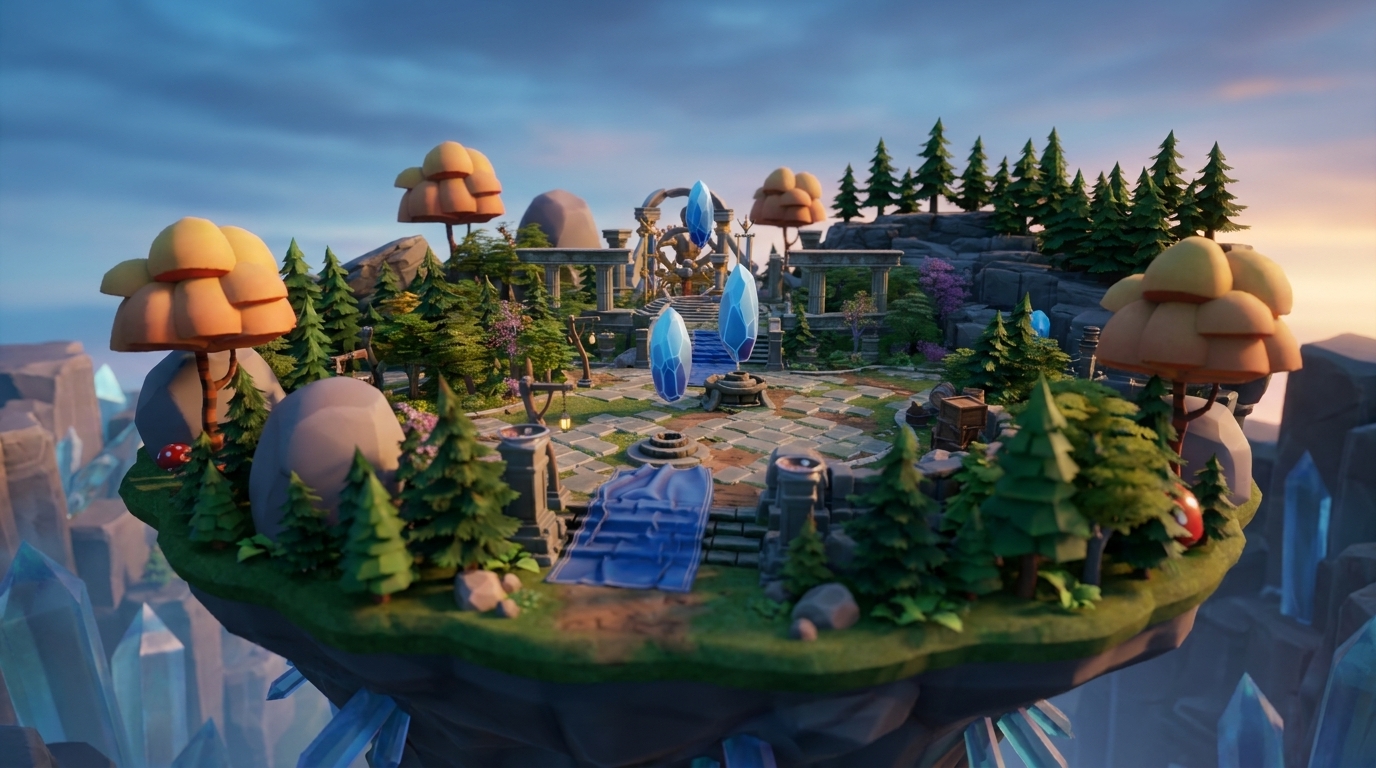
Cozy Island Builder – You describe, “Create a peaceful island with collectible crystals,” and watch a calm, low poly island appear with soft lighting.
Retro Racing Circuit – You vibe code, “Add cars that drift around corners with satisfying physics,” and end up with arcade-style racing and chunky car models.
Floating Platform Obby – You type, “Make platforms that appear when players jump,” and build a clean, geometric obby that feels fresh inside Roblox-style courses.

Crystal Cave Explorer – You request, “Add glowing crystals that light up dark tunnels,” and get angular caves with bright, low poly crystals that guide players.
Robot Factory Tycoon – You say, “Create conveyor belts that move robot parts,” and build a satisfying factory loop with simple mechanical shapes.
Space Station Simulator – You prompt, “Add zero gravity movement between modules,” and explore a sleek, minimal station with floating movement.
Medieval Village Builder – You ask, “Place houses that villagers can enter and exit,” and generate a charming low poly village with simple roofs and walls.
Neon Parkour Arena – You describe, “Create wall-running mechanics with glowing trails,” and race through a geometric city filled with neon edges.
Underwater Treasure Hunt – You type, “Add swimming physics and hidden treasure chests,” and dive into stylized oceans with simple fish and rocks.
These examples show how vibe coding turns plain language into real gameplay. Aspiring builders or already builders like you share similar projects in communities, often starting from a sketch, generating 3D, and then using one-click rigging to animate low poly characters.

How to Choose an App for Vibe Coding Games
You get the best vibe coding experience when your tools stay out of your way. Look for browser access so you can build on school laptops, tablets, or shared PCs without installs. Check that the platform handles level of detail for low poly assets, exports cleanly to Roblox and other engines, and has an active community where you can learn from others.
Nilo stands out as an AI-native game engine that runs fully in your browser, so you avoid Unity installs, Roblox Studio scripting walls, and prompt-only tools like Rosebud AI. Nilo enables generation of 3D characters, weapons, and pro-level props in seconds via sketching or prompting. You also get real-time multiplayer building and automatic prep for Roblox exports. According to Nilo’s February 2026 Survey, 93% of builders said they would recommend the platform to a friend, and one creator shared, “You made me enjoy vibe-coding. The code assistance works almost flawlessly.”
See how Nilo’s AI-native approach changes your creative flow and join the free beta today.
Step-by-Step: Vibe Code Your Own Low-Poly Game in Nilo
1. Open play.nilo.io – You skip installers and launch Nilo directly in your browser on desktop or mobile.
2. Craft your low-poly models – You use prompts like “low poly medieval sword” or sketch directly in the interface. Your models appear ready to use, already tuned for the platform requirements discussed earlier.

3. Optimize and rig instantly – After your model appears, you adjust its polygon count with the LOD slider to balance look and performance. If you made a character, you rig and prepare it for animation with one click, so it is ready to move in the next step.

4. Vibe code your mechanics – You type descriptions like “Add low-poly jumping physics” or “Make crystals that glow when touched,” and watch the logic appear while you stay inside the scene.
5. Playtest with friends – You share your world’s link, and friends join instantly to build, test, and give feedback while you all play together.
6. Export to Roblox or other platforms – You download FBX, OBJ, or glTF files that match your target platform’s needs.
This workflow takes minutes instead of days, so you can spend more time trying ideas and less time wrestling with tools.
Low-Poly Building Tips and Common Problems
AI-generated meshes sometimes arrive with messy topology or heavy performance costs. Nilo’s retopology system cleans up geometry for you, and the LOD slider keeps scenes smooth by lowering detail when needed. When you export to Roblox, the Roblox-focused pipeline helps you stay within strict polygon limits without extra tools.
Simpler low poly shapes also make rigging faster and animation easier to manage. You get better results when you prompt for blocky, geometric styles and then tweak details in the inspector panel. You stay in the creative flow while still keeping control over how your models behave.
Start building with Nilo’s built-in answers to these common issues and explore them in the free beta, no credit card required.
Vibe coding low poly games points toward a future where your ideas matter more than your technical background. Nilo supports that future by combining AI-native tools with a custom game engine that feels playful while you build. Whether you are making your first Roblox asset or shaping full multiplayer worlds, you can create at the speed you think.
FAQ
What exactly is vibe coding?
Vibe coding is a natural language way to build games where you describe what you want using everyday words instead of code. You talk, text, or send images to the AI, and it turns those inputs into working mechanics in real time. Anyone with ideas can start building, even without programming experience.
Can I export my Nilo low-poly games to Roblox?
Yes, you can export directly to Roblox Studio with automatic tuning for Roblox’s polygon limits. The LOD system helps your models stay within the 10K–20K triangle caps without manual retopology. You can also export to Unity, Blender, VRChat, and more using FBX, OBJ, and glTF formats.
Is Nilo free to use?
Nilo includes a free tier with 1,000 Nilo Bits per month for AI generation, export, and creation tools. You can access the main features, collaborate with friends, and publish without paying upfront. Higher tiers add more Bits and extra features for heavy use.
Do I need a powerful computer for vibe coding low poly games?
No, you do not need a high-end PC. Nilo runs in your browser with no downloads, and it works on both desktop and mobile. The custom engine uses WebAssembly and WebGPU to stay fast without expensive hardware.
How is this different from prompt-to-game tools?
Prompt-to-game tools often create full games that you cannot easily change. Nilo keeps you inside a real 3D environment where you build, adjust, and collaborate in real time. It feels more like getting superpowers than watching AI work while you wait.
Can I collaborate with friends on vibe-coded projects?
Yes, Nilo supports real-time multiplayer creation. You share a link to your world, and friends join right away to build, test mechanics, and share ideas. Creation starts to feel as social and fun as playing the finished game.
