
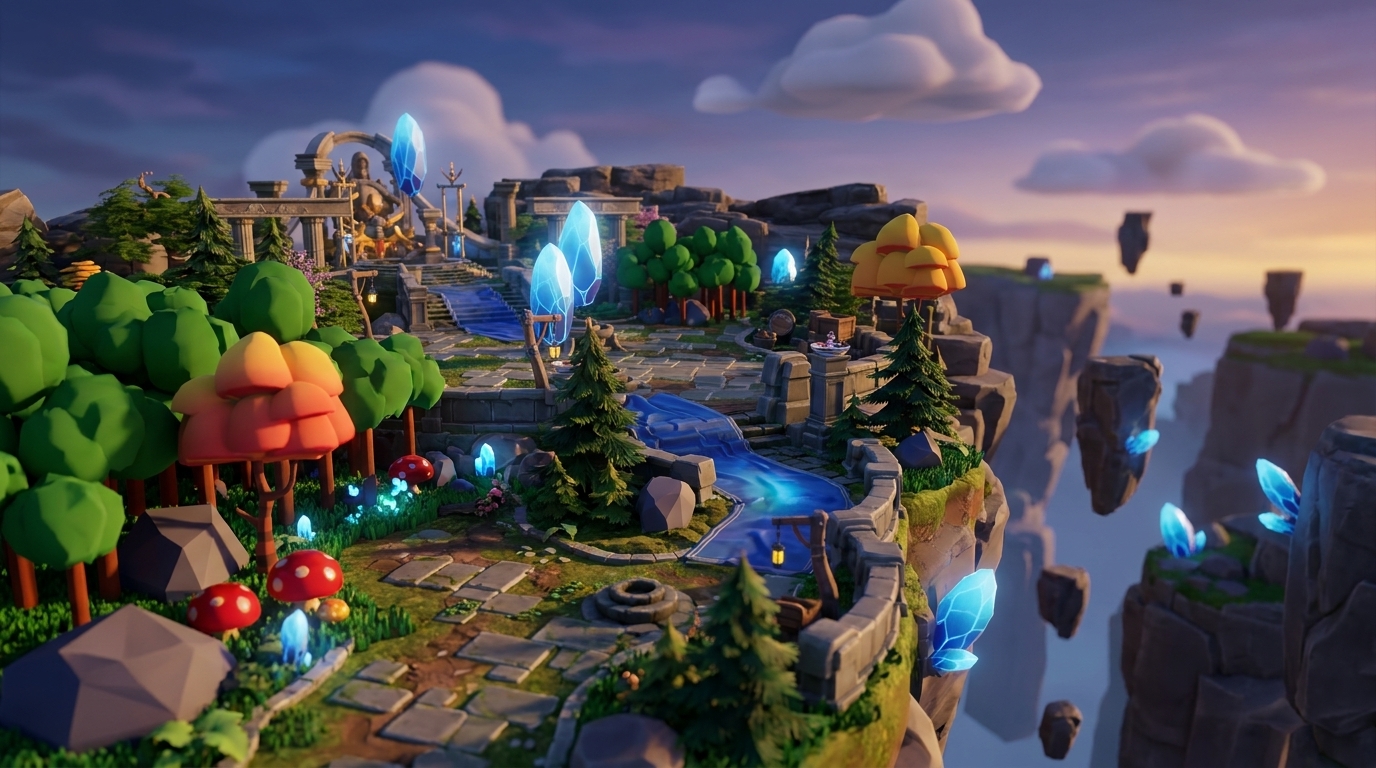
Why Collaborative Vibe Coding Changes Your Builds
-
Vibe coding uses AI and natural language prompts to create games without scripting, but solo work often leads to isolation and burnout.
-
Traditional tools like GitHub create version conflicts and Discord chaos, while Nilo lets you collaborate in real time through simple shareable links.
-
Nilo’s 5-step flow lets you create worlds, generate assets, playtest together, and export to Roblox-ready FBX files in any browser.
-
Creators report a 93% recommendation rate and 82% “Awesome/Good” experiences, with a 9,000+ Discord community focused on social building.
-
Turn solo projects into team worlds by joining Nilo’s open beta for free collaborative vibe coding.
The Problem: Solo Vibe Coding Feels Lonely Fast
Solo vibe coding burns you out fast. You start excited, generate some cool assets, then hit the wall of iteration fatigue. You have no one to bounce ideas off, no instant playtesting with friends, and no shared momentum to keep projects moving.
Collaboration speeds everything up. Shared workload means faster prototypes. Friends help you push through creative blocks. Team energy turns half-finished experiments into actually shippable worlds. In 2025, 84% of developers report using or planning to use AI tools in their workflow (per BayTech Consulting), yet collaboration features still lag behind solo productivity tools.
Your builder journey shows why this hits so hard. Aspiring builders or already builders like you, moving from playing Minecraft and Roblox to creating your own worlds, hit isolation walls that stall progress. You need tools that feel as social as the games you grew up playing.
Start building with friends today by joining Nilo’s free open beta so you can skip the solo struggle entirely.

Vibe Coding Basics and Where Solo Work Breaks Down
Vibe coding creates a major shift in how you build games. Instead of learning complex scripting languages, you use natural language prompts, text, voice, or even images to generate code, physics, and assets. You say “make zombie chase player” and watch it appear instantly in 3D.
This AI-native style feels very different from traditional development. Rosebud AI focuses on prompt-only generation and leans toward solo use, with limited multiplayer collaboration. Roblox Studio needs installation and scripting knowledge. Unity expects professional-level skills that can take months to build.
Nilo stands out by pairing a real game engine with model-agnostic AI. You are not only prompting for results. You are building inside a shared 3D environment with real-time physics feedback. The platform connects to multiple AI providers like Meshy and Tripo behind one interface, so you get strong results without juggling different tools.
Solo vibe coding still hits natural limits. You feel creative isolation, you lack instant feedback from friends, and working alone drains your motivation. Even when you try to collaborate with traditional tools, new problems appear. Experience vibe coding as a social, collaborative, and fun process by trying Nilo’s open beta for free.

Common Collab Pains and Free Fixes with Instant Links
GitHub version conflicts crush your creative momentum. You feel hyped about your zombie survival game, then a merge breaks half the physics. Discord coordination turns into a mess of “did you see my latest commit?” and “which branch are we using?”
Vibe coding loneliness stacks on top of these technical headaches. You generate cool assets but have no one to playtest with right away. Your ideas stay stuck in your head because explaining them through long text messages takes forever.
Nilo tackles these pains with shareable world links. You avoid repositories, version conflicts, and installation steps. You share a URL and friends join your 3D world instantly on desktop or mobile. Real-time collaboration means you see each other’s changes live as you build.
The table below shows how different tools handle the core collaboration challenges that matter to you: how fast you can start, which devices your friends can use, and how easily you can move projects into Roblox.
|
Tool |
Collab Speed |
Browser/Mobile |
Roblox Export |
|---|---|---|---|
|
GitHub |
Version conflicts |
No |
Manual FBX |
|
Rosebud AI |
Solo/prompt-only |
Partial |
Limited |
|
Roblox Studio |
Discord chaos |
Desktop only |
Native |
|
Nilo |
Real-time multiplayer |
Yes |
Optimized FBX |
The difference feels immediate when you try it. Nilo’s February 2026 survey shows 93% of builders recommend the platform to friends, and 82% rate their experience as “Awesome” or “Good.” The 9,000+ Discord community shows that collaborative vibe coding can work at scale.

How to Vibe Code a Game Collaboratively in 5 Steps
Step 1: Open and Invite
Visit play.nilo.io in any browser, on desktop or mobile. Create your world and share the invite link right away. Friends can join without downloads or accounts.
Step 2: Vibe Code Together
Use natural language prompts like “make zombie chase player” or “add jump pads to the obstacle course.” Watch physics and interactions appear in real time while friends drop in their own ideas at the same moment.
Step 3: Collaborate on Assets
Generate 3D models from sketches, images, or text descriptions. Use the sketch-to-3D flow where one person draws while another refines with AI. Rig characters with one click and create animations from simple text prompts.
Step 4: Multiplayer Playtest
Playtest your game instantly with friends in the same 3D space. The built-in LOD (level of detail, a system that automatically adjusts 3D model complexity for smooth performance) manages performance for you. You focus on gameplay instead of stressing about performance tuning.
Step 5: Export and Share
Export to FBX for Roblox or Unity, or keep building inside Nilo’s native environment. Share your world publicly, or clone and remix other creators’ projects when you want a faster starting point.
Real testimonials show how this feels in practice. “You made me enjoy vibe-coding,” shared one Nilo Creator from Nilo’s February 2026 Survey. The high satisfaction rates mentioned earlier show up every day as creators build together across the community.

Real Examples: Vibe Code Worlds Built with Friends
Nilo Creators build everything from obstacle courses to roleplay worlds using collaborative vibe coding. You move from vibe prompt to shared prototype in minutes instead of weeks.
Popular projects include survival worlds where teams generate terrain and creatures together, racing games with custom vehicles built through sketch-to-3D, and social hangout spaces where friends design and decorate as a group. This mix of speed and control lets you test ideas quickly and keep only what feels fun.
Three things make these vibe code games stand out. Creation speed means you reach playable in minutes. Creative control means you do not feel stuck in an AI lottery. Community support means 9,000+ builders share techniques and feedback. Unlike Unity’s complexity or Spawn’s focus on professional teams, Nilo leans into fun, social co-creation.
You can explore these worlds directly at play.nilo.io, where published projects appear in an infinite scrollable feed similar to Roblox’s experience browser. Ready to start your own collaborative project? Jump into Nilo’s free beta and build your first world with friends.

FAQ: Your Vibe Code Game Collaboration Questions
What is vibe code game collaboration?
Vibe code game collaboration means building 3D games with friends in real time using natural language prompts instead of traditional coding. You and your team create worlds, characters, and gameplay by talking, typing, or sketching ideas that AI turns into working game elements. Everyone sees changes live in the same 3D environment.
Is vibe code game collaboration free?
Yes. Nilo offers 1,000 free Bits per month for AI generation, asset creation, and world publishing. This covers a lot of collaborative building without spending a bunch of money. You can invite unlimited friends to build together, share worlds through links, and export your creations to other platforms.
Can I export collaborative projects to Roblox?
Yes. Nilo exports optimized FBX files that work directly in Roblox Studio. The built-in LOD system helps your collaborative creations meet Roblox’s polygon limits automatically. You keep full ownership of everything you and your team create together.
How does Nilo compare to Rosebud AI for collaboration?
Rosebud AI focuses on solo prompt-to-game generation and does not center real multiplayer building. Nilo provides a full game engine where you and friends build together in a shared 3D space. You are not only generating games. You are creating inside living worlds with instant physics feedback and social interaction.
Do I need coding skills for vibe code game collaboration?
You do not need coding knowledge. Vibe coding uses natural language in any language, like English, Spanish, or others. You describe what you want and watch it appear in 3D. You can also learn by tweaking generated code variables, such as changing “speed = 2” to “speed = 20” and seeing the effect right away.
Should I use GitHub for vibe coding projects?
You can skip GitHub for vibe code game collaboration. Version conflicts and merge issues slow down your creativity. Nilo’s shareable world links remove repository management and give you real-time multiplayer building. Your collaborative projects stay in sync automatically without extra technical work.
Conclusion: Solo Vibe Coding Starts the Spark, Collab Keeps It Going
Solo vibe coding gets you started, but collaboration changes the whole experience. You avoid creative isolation, Discord chaos, and GitHub merge conflicts. Real-time multiplayer building with natural language prompts makes creation feel like the social games that inspired you to build in the first place.
The data backs this up. Half of game studios use AI tools, yet many still lack true collaborative creation spaces. Nilo helps close this gap with instant browser-based multiplayer, flexible AI integrations, and exports that work with Roblox, Unity, and other platforms.
Join thousands of builders who have discovered that vibe code game collaboration beats solo development. You can build what is in your head with friends who get your vision. Start your team world today, because you can absolutely do this. Try Nilo’s open beta for free and start building and playing with friends.
