
Key Takeaways for Your First 3D Builds
- AI tools help you fix messy assets, scripting fears, and high polycounts by letting you create 3D worlds in the browser with no code and Roblox-ready models.
- When you compare tools, look for browser-native access, end-to-end pipelines from generation to export, Roblox FBX/glTF support, free tiers, and active communities.
- Nilo stands out with full workflow integration: text or sketch to 3D, one-click rigging, natural language coding, multiplayer collab, and Roblox export in a single flow.
- Meshy focuses on generation but often needs cleanup, Tripo skips rigging, Rosebud centers on code, and Unity or Roblox Studio demand long learning curves.
- You can start your first 3D game today by joining Nilo’s open beta for free and feeling how much smoother creation becomes.
How to Evaluate AI Tools for Beginner 3D Creators
When you choose AI game development tools, focus on what actually supports your day-to-day building. Start with accessibility and look for browser-based platforms that do not require installation, because you should be able to share a link and start building with friends instantly. Once you confirm browser access, check for end-to-end pipelines that handle generation, rigging, animation, coding, and export in one place instead of forcing you to juggle multiple tools.
Roblox compatibility matters if you want your worlds to run smoothly. Your tool should export FBX or glTF files with automatic LOD (level of detail, which reduces polygon count for better performance) so your assets meet Roblox’s polygon limits. Free tiers matter as well, and Nilo offers 1000 Bits monthly so you can build without spending money upfront. Finally, check the community, because active Discord servers with thousands of aspiring builders or already builders like you signal real support and shared tips.

The table below summarizes three core factors you can use as a quick checklist when you compare AI game development tools.
| Factor | Key Check |
|---|---|
| Ease | No-code, natural language prompts so you can create 3D games by talking, texting, or sending images to the AI |
| Workflow | Full pipeline in one place, with Roblox export ready |
| Speed/Quality | Generation in seconds with clean topology that needs minimal cleanup |
Top AI Game Development Tools for Beginners
Nilo: Browser-Native Creation for Roblox Worlds
Nilo stands out as a browser-native platform built for Roblox creators who want to skip technical headaches and focus on ideas. You can craft 3D models from text, sketches, or images using the “Craft Your Model” feature, then rig and animate them with one click. The natural language code editor lets you create game logic by talking to the AI, so you do not need scripting experience to get started.

Nilo focuses on the complete workflow from your first idea to a Roblox-ready world. You can generate 3D characters, weapons, and professional-level props in seconds, then export directly to Roblox Studio with automatic polycount optimization. Built-in multiplayer collaboration lets you invite friends to build together by sharing a link. In Nilo’s February 2026 survey, 93% of builders said they would recommend it to a friend, and many described the shift as “15 seconds vs hours” for asset creation.
The platform runs entirely in your browser with no downloads needed, which means you can access real-time physics, level-of-detail optimization, and export to any 3D format from any device without installation barriers. Join Nilo’s open beta and try building and playing for free to feel the difference between constant tool-switching and a single creative flow.

Meshy AI: Fast 3D Generation with Extra Cleanup
Meshy AI focuses on quick 3D model generation from text or image prompts, but many models arrive messy and need hours of Blender cleanup before they are Roblox-ready. The platform provides PBR textures, auto-rigging with over 500 animations, and a Remesh tool that helps models fit Roblox’s triangle budgets. Meshy’s native Roblox Bridge enables one-click export directly to Roblox Creator Hub.
Meshy works well when you mainly need assets, yet it focuses on creation rather than full game development. You still need separate tools for coding, world building, and testing, so your workflow spreads across several platforms.
Tripo AI: Rapid Text-to-3D with Limited Rigging
Tripo AI generates text-to-3D models in seconds and offers Tripo Studio so you can refine models with cartoon-style textures and automatic polygon reduction. The platform’s intelligent segmentation separates model parts, which helps when you want modular pieces for building.
Tripo supports fast generation but does not include native rigging, and lower-tier plans limit export formats. You will still rely on other tools for animation, physics, and game logic.
Rosebud AI: Vibe Coding for Quick Prototypes
Rosebud AI centers on “vibe coding”, which means you generate game code from natural language prompts. The platform helps you spin up web prototypes with conversational interfaces, so you can try out game mechanics without traditional programming.
Rosebud does not include a full 3D engine or deep asset creation tools. It fits 2D or simple 3D concepts better than the rich Roblox-style worlds you might want to build.
Unity and Roblox Studio: Powerful but Complex
Unity recently launched Unity Studio, a browser-based editor that aims to feel intuitive and no-code friendly. Roblox Studio remains a core option for Roblox development and gives you powerful tools for building and scripting detailed experiences.
Both platforms involve significant learning curves and do not integrate AI natively into their workflows. You will spend a lot of time learning complex interfaces instead of focusing on creative expression and fast iteration.
The comparison below highlights how each tool performs on three factors that strongly affect how quickly you can start building and keep moving: browser or no-code access, full pipeline coverage, and Roblox-ready level of detail.
| Tool | Browser/No-Code | Full Pipeline | Roblox LOD |
|---|---|---|---|
| Nilo | Yes | Yes | Yes |
| Meshy | Partial | Generation only | No |
| Rosebud | Yes | Code only | No |
Build Your First 3D Game with an Integrated Stack
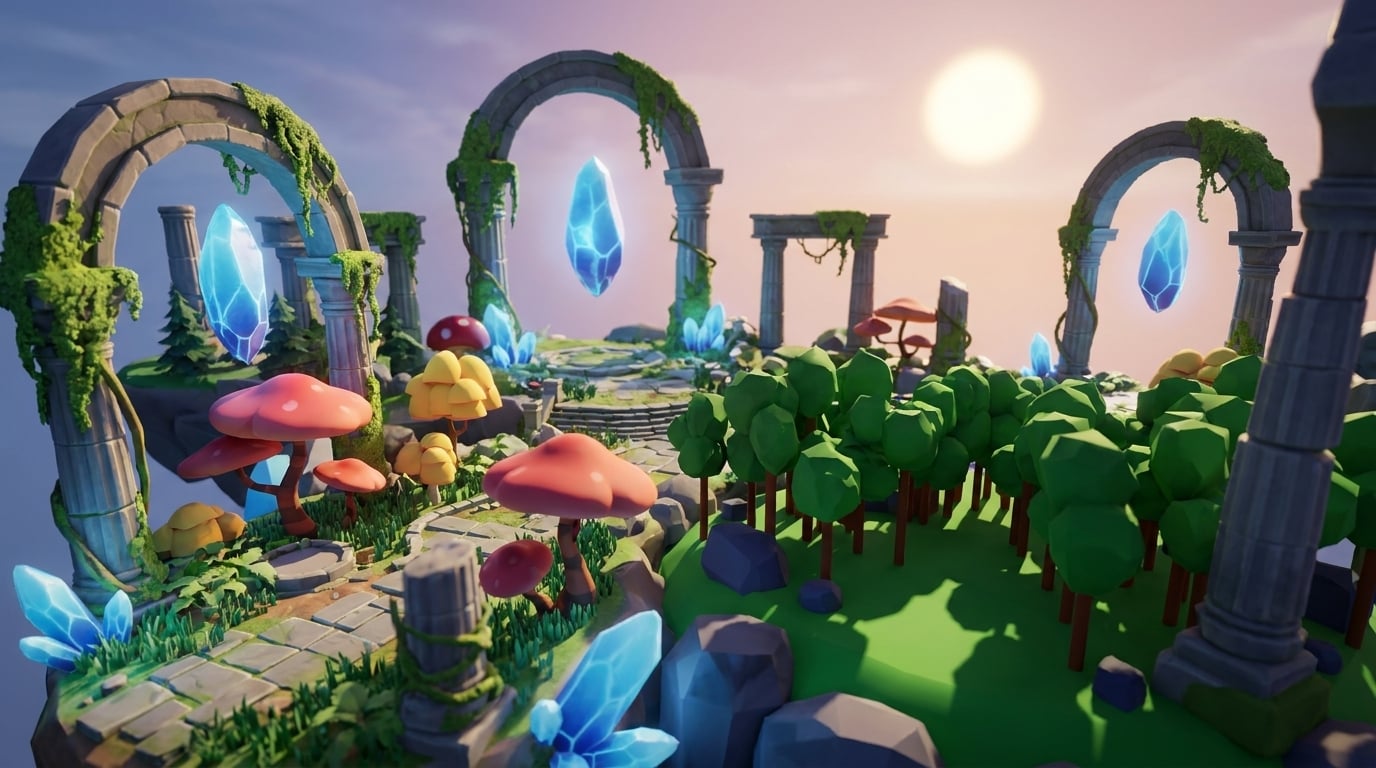
You can create your first obby or roleplay world faster when you use Nilo’s integrated workflow. Start by generating your environment assets with text prompts like “floating island with crystal caves” so you have a clear world foundation. Once your environment exists, sketch your characters directly in the browser and let the AI refine shapes, details, and textures.

With your main assets ready, use vibe coding to add interactions by describing what you want in plain language. Tell the AI “make the crystals glow when players touch them” and watch it generate working code that you can inspect and tweak.
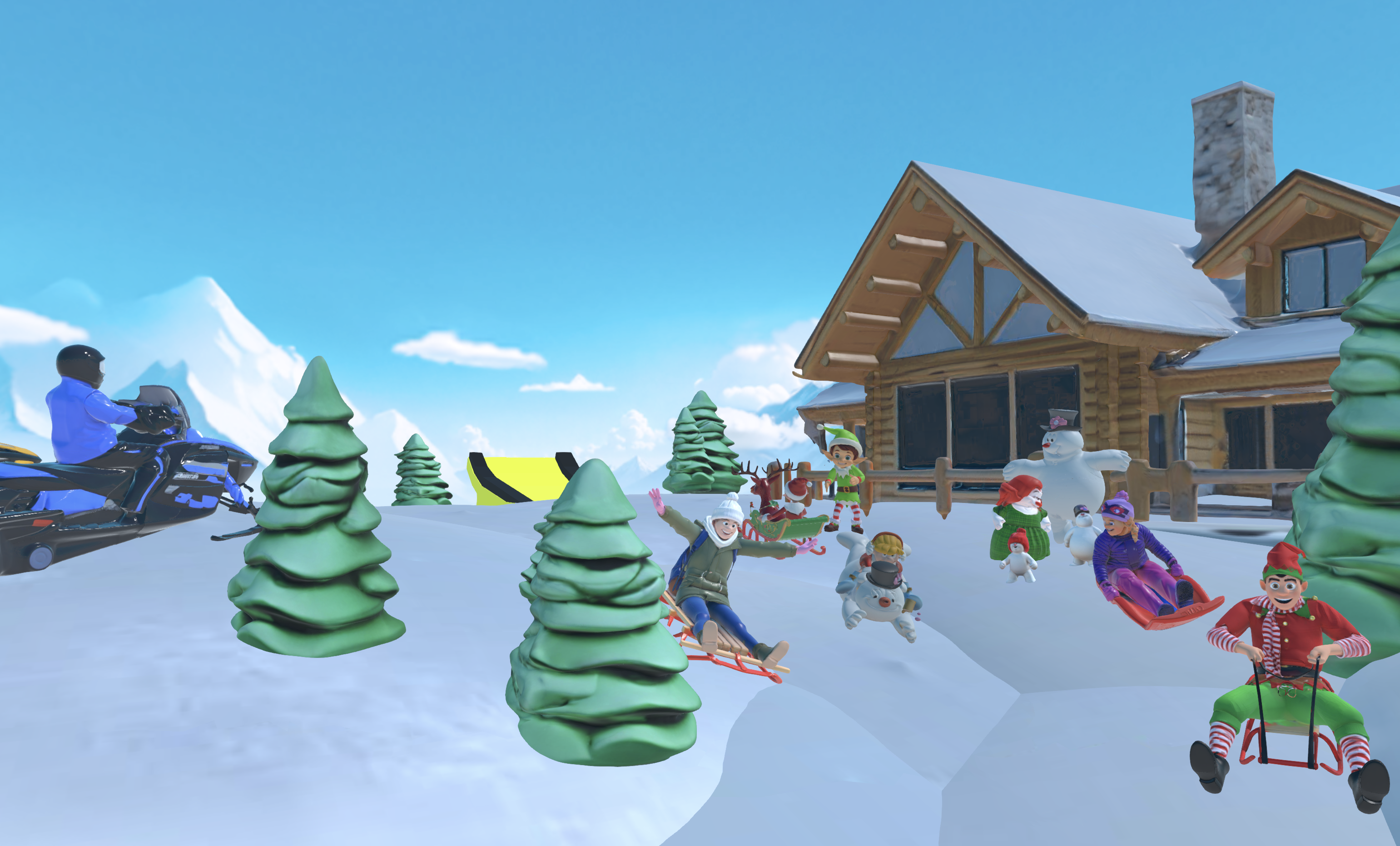
An all-in-one platform makes iteration feel natural. You can playtest with friends in real time, adjust physics and lighting on the fly, then export your polished world to Roblox Studio when you feel ready to publish. Workflows that used to take weeks can shrink to hours. Start building in Nilo’s open beta to experience this streamlined flow yourself.
Conclusion: Start Building Today
The gap between playing games and creating them now feels smaller than ever. AI-native platforms such as Nilo reduce old problems by helping you and your friends build games by just vibe coding, saying what you want directly to the AI instead of wrestling with complex dashboards. You avoid endless Blender cleanup, scripting anxiety, and constant tool switching, so you can focus on pure creative expression.
Join Nilo’s open beta to discover what game creation feels like when the tools step back and let your ideas lead.
FAQ
What’s the best AI tool for beginner 3D modeling?
Nilo stands out with an integrated workflow for beginners, combining text-to-3D generation so you can create models by describing them, sketch-to-3D conversion, automatic rigging, and real-time optimization in one browser-based platform. Unlike tools that focus only on generation, Nilo supports the complete pipeline from concept to Roblox-ready export. The natural language interface lets you build by explaining what you want instead of learning complex modeling software first.
Are there free AI tools for 3D game development?
Yes, Nilo’s free tier covers significant asset generation and creation activities, as mentioned in the evaluation criteria above. Many core building features such as world editing, collaboration, and basic exports do not require Bits at all. You get room to experiment and learn without spending a bunch of money, which helps you explore ideas before you consider paid plans.
What are the best browser-based AI game makers?
Nilo stands out in browser-based 3D game creation with its custom WebAssembly engine, real-time multiplayer collaboration, and Roblox compatibility. The platform runs entirely in your browser with no downloads required, so you can share a link and start building with friends quickly. Other browser options such as Rosebud AI focus more on code generation than full 3D world creation, which changes what you can actually ship.
What are good Rosebud AI alternatives in 2026?
Nilo works as a comprehensive alternative to Rosebud AI by adding a robust 3D engine, asset generation, and export features that Rosebud does not include. Rosebud focuses on vibe coding for simple prototypes, while Nilo supports complete 3D world creation with physics, optimization, and professional export options. Your choice depends on whether you mainly want quick code experiments or a full path to publishable games.
Can I create Roblox games without learning to script?
You can create Roblox games without learning traditional scripting first. Nilo’s natural language code editor lets you describe the behavior you want in plain English. You can ask the AI to make objects interactive, add physics behaviors, or create game mechanics, and it generates working code instantly. You still see and can modify the actual code variables, so you learn programming concepts while you build, which keeps the process both accessible and educational.
