
Key Takeaways
- Vibe coding uses natural language prompts to build 3D games without scripting, so you can skip Roblox Studio’s coding barrier.
- Browser-based platforms like Nilo let you create full 3D games with physics and multiplayer, all from your browser with no downloads.
- Nilo includes text-to-3D, image-to-3D, one-click rigging, and Roblox-ready exports with automatic level of detail (LOD) control.
- Other tools like Rosebud AI and Replit help you prototype ideas, but they do not match Nilo’s full 3D engine and export options.
- You can start building playable 3D worlds instantly by joining Nilo’s free open beta today.
The Problem: Why Aspiring Builders Can’t Easily Create Games
You have strong ideas and solid building skills, but traditional tools throw huge walls in your way. Roblox Studio expects you to learn scripting that can take months. Unity and Blender feel like pro software that demand deep technical knowledge. Even AI tools like Meshy often create messy models that still need hours of cleanup in Blender.
Scripting creates the biggest pain. Reddit builders share the same frustration again and again: “Scripting blocks my ideas” and “I spent 5 hours modeling a simple shipping container.” You either hunt for a coding partner or try to learn programming from scratch, then repeat that cycle for every new idea.
Most developers now use AI tools in 2026, so expectations have changed. You need browser-based platforms that feel like games, not work, and that let you move from idea to playable world fast.
The Solution: How Vibe Coded Games Match How You Build
Vibe coded games let you create interactive 3D worlds using casual prompts instead of complex code. Vibe coding means you describe the result in natural language and the AI writes the code and builds the experience for you. You focus on the vibe or goal, and the AI handles the low-level implementation.
Modern browser tech like WebAssembly and WebGPU now supports heavy 3D scenes without any downloads. The same shift that brought Figma into the browser now reaches 3D game creation. Platforms like Nilo give you an “Iron Man suit” experience where you build together with AI instead of watching AI do everything for you.
Try vibe coding your first 3D game in Nilo’s browser-based engine and feel how different this workflow is from classic tools.

Top Free AI Vibe Coded Games & Platforms for 3D Builders
When you compare free AI vibe coded platforms, focus on four things. You want real 3D depth, Roblox-friendly export, real-time collaboration, and easy browser access. These platforms give you a good starting point.
Nilo: Browser 3D Engine Built for Vibe Coding
Nilo stands out as an AI-native 3D game engine built for your browser. You build inside a real 3D environment with physics, multiplayer collaboration, and instant visual feedback instead of working in a text-only prompt box.
The platform combines text-to-3D generation, one-click rigging and animation, and a natural language code editor. You can vibe code by talking, typing, or sending images to the AI. Nilo keeps polycount under control so your models drop into Roblox Studio and other tools without extra cleanup.

Key features connect directly to Roblox and cross-platform use. A real-time level of detail (LOD) system keeps your models within Roblox’s 20k triangle limit. Once models stay within that limit, you can export them as FBX or glTF for Roblox Studio or other engines. Real-time multiplayer creation ties it together, so you share a URL and friends can join your world instantly on desktop or mobile.
In Nilo’s February 2026 survey, 93 percent of builders said they would recommend the platform to a friend, and 82 percent rated their experience as “Awesome” or “Good.” One builder said, “You can work 20 times faster than you usually work on models.” Another shared, “There are no limits on what you can create, just type, draw or add in an image and you can generate, rig, customise and place a fully 3D model within minutes.” These comments show how vibe coding speeds up both modeling and iteration.

The free tier gives you 1,000 Nilo Bits each month for AI generation and export. The open beta launched April 2, 2026, and you can start building at play.nilo.io.
Rosebud AI: Fast Concept Prototyping in the Browser
Rosebud AI’s agent lets you vibe code 2D and 3D games using natural language prompts. You can create playable 3D racing games with tracks, checkpoints, and obstacles in just a few prompts, which works well when you want to test ideas quickly.
Rosebud focuses on a chat-style interface and quick iteration through visible code edits. You can play community-made AI games in your browser for free. The platform mainly targets web deployment though, so you do not get Unity export or the deeper 3D engine features that Nilo offers.
Spawn: Canvas-Based AI Generation
Spawn gives you AI-native creation in a canvas-style editor that focuses on instant generation. You can spin up prototypes quickly and explore ideas. The platform does not include a custom 3D game engine or shared 3D building space, so it fits more as a lightweight option than a full creation environment.
Replit: Code-First with AI Help
Replit offers a browser-based coding environment with AI suggestions and real-time collaboration. You can deploy and share gameplay tests and multiplayer logic experiments quickly. The platform stays code-first instead of vibe-first, but natural language prompts still help you write and refactor scripts.
The table below shows how these platforms compare on 3D depth, export options, real-time collaboration, and Roblox readiness, so you can match each one to your goals.
| Platform | 3D Support | Export Options | Real-time Collab | Roblox-Ready |
|---|---|---|---|---|
| Nilo | Full 3D engine with physics | FBX, glTF, OBJ, STL | Yes, browser-based | Yes, with LOD optimization |
| Rosebud AI | Basic 3D capabilities | Web-only | Limited | No |
| Spawn | Canvas-based | Web formats | Basic | No |
| Replit | Code-dependent | Multiple formats | Yes | Manual setup |
See how Nilo’s export and 3D features feel in your own projects.
Hands-On Tutorial: Build a Free Vibe Coded Game in Nilo
You can build your first 3D game without scripting by following a short flow in Nilo. These steps take you from blank scene to shared world.
Step 1: Open play.nilo.io in your browser. You do not need any downloads or installs.
Step 2: Create your first 3D model using text, sketch-to-3D, or image upload. For example, type “create a medieval castle,” draw a rough shape, or upload a reference image. The AI cleans up the mesh for you so the model is ready for the next step.

Step 3: Add interactivity through vibe coding once your model sits in the scene. Type “make the player jump when they press space” or “add physics to this object.” The natural language code editor turns those prompts into scripts and shows the result in real time.
Step 4: Turn on multiplayer after you have basic interactions working. Friends can then join and test the world with you. Physics runs automatically, so objects move, collide, and react without extra setup.
Step 5: Playtest, share a link with friends, or export to Roblox Studio. Nilo handles polygon optimization so your models match Roblox’s limits and import smoothly.
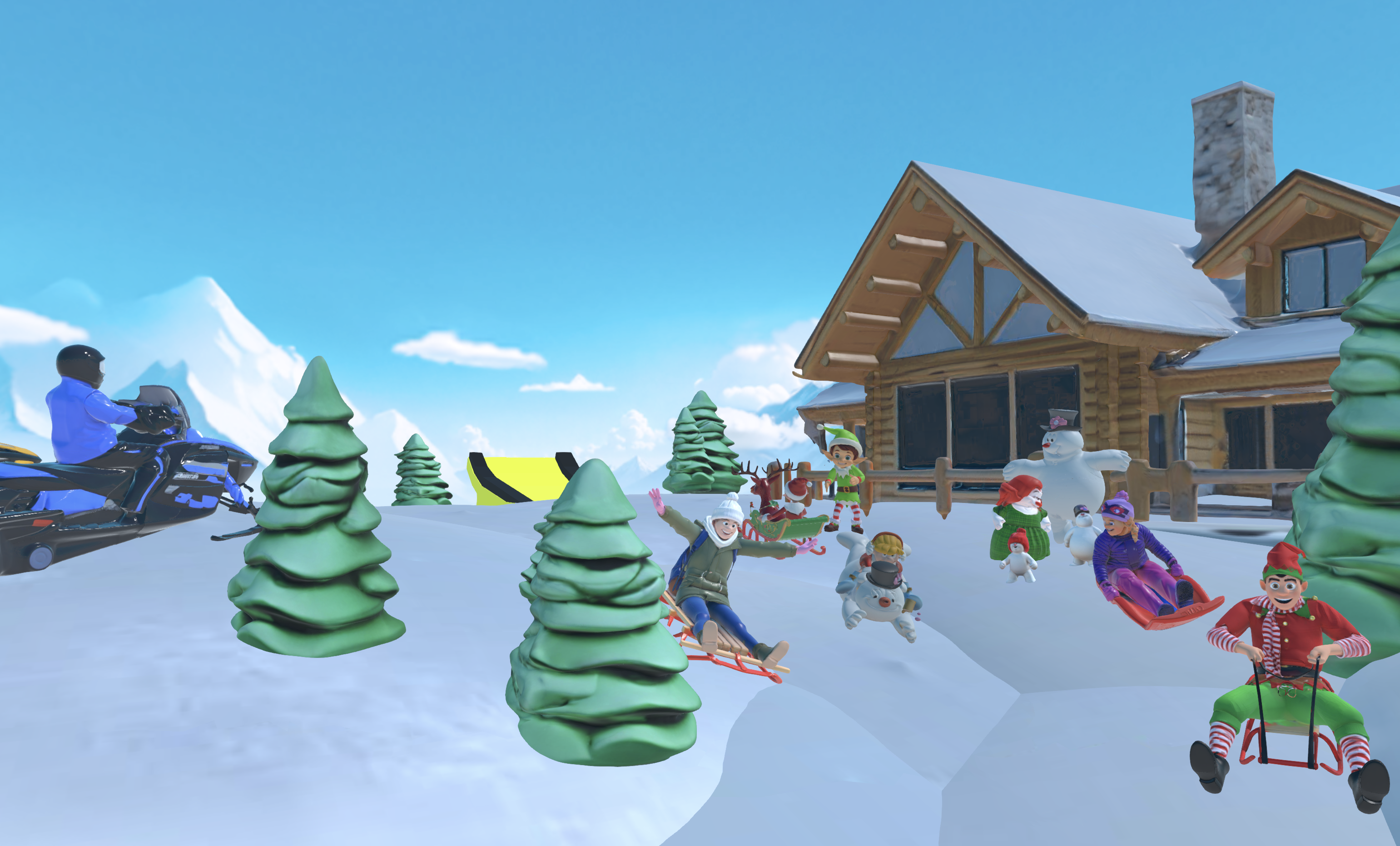
The whole flow feels closer to playing a game than wrestling with pro software. As one survey respondent said, “I do not have to spend hours on 3D modeling the simplest things, now I can use Nilo and do it in 15 seconds.”
You skip Blender cleanup, scripting lessons, and heavy tool complexity. Put this tutorial into practice and build your first vibe coded world in Nilo.
Builder Validation: What Other Creators Say
Builders across Reddit and Discord keep pointing to scripting as the main blocker. They describe how “scripting blocks my ideas” and how simple 3D tasks can eat hours that should go into design.
Nilo’s community of more than 9,000 Discord members and the survey mentioned earlier show how vibe coding changes that. Builders say, “The sky’s the limit. Whatever you can think you can make. You don’t have to put in tons of effort,” and “It helps me physically visualize any images I may have drawn and helps make my ideas actually come to life.” These comments highlight both speed and creative freedom.
With 2026 marking the shift from AI-assisted coding to mainstream vibe coding, tools that mix natural language with real 3D engines are becoming core gear for aspiring builders or already builders like you.
FAQ
What exactly is vibe coding?
Vibe coding is a way to build software where you describe what you want in plain language and the AI writes the code. You skip syntax and focus on the outcome or vibe. In games, you say “make the player jump” instead of writing a movement script line by line.
What are the free limits in Nilo?
Nilo’s free tier gives you 1,000 Nilo Bits each month for AI generation, rigging, animation, and exports. Core tools such as the 3D editor, physics, and collaboration do not use Bits. You can create, test, and share full worlds without spending a bunch of money.
Can I export my creations to Roblox?
Yes, you can export directly to Roblox Studio with automatic tuning for Roblox’s polygon rules. The LOD system keeps your models within the 20k triangle limit mentioned earlier. You can also export to Unity, Blender, and other tools using formats like FBX and glTF.
How does Nilo compare to Rosebud AI?
Nilo gives you a full 3D game engine with physics, multiplayer collaboration, and export options. Rosebud AI focuses more on fast 2D and simple 3D prototypes that run on the web. In Nilo, you build inside the 3D world and see changes live, while Rosebud leans on conversational generation from prompts.
Do I need coding experience to use these platforms?
You do not need coding experience for vibe coding platforms. They exist to remove programming barriers through natural language. You describe what you want, and the AI handles the technical work, so anyone with ideas can start building 3D games.
Conclusion: Start Creating with Vibe Coding
Free AI vibe coded games open up 3D creation for anyone who has ideas but not years of coding practice. Platforms like Nilo show that building interactive worlds can feel as fun as playing them, with browser engines that support sketch-to-3D, physics, and real-time multiplayer.
The old blockers around scripting, complex software, and scattered tools keep shrinking as AI-native platforms grow. Dive into free AI vibe coded games today, build in Nilo’s browser-based engine, and see how creation can feel like play.
