
Key Takeaways
- Vibe coding lets you create interactive 3D browser games by talking to AI instead of writing code.
- Platforms like Nilo run on custom engines with multiplayer, physics, and Roblox-friendly exports for smooth gameplay.
- You can build a full game in 7 clear steps, from opening Nilo in your browser to exporting assets for other platforms.
- Specific prompts, reference images, and automatic LOD tools help you fix common issues like weak results or performance lag.
- Get started with 1000 free Bits monthly in Nilo’s open beta.
How Vibe Coding Changes 3D Game Creation
Vibe coding turns game creation into a conversation. Instead of learning complex software or writing scripts, you chat with AI using text, voice, or images to build 3D worlds, characters, and mechanics. You might say, “Create a player that runs forward and jumps when I press space,” and see working code appear instantly.
AI world models can turn short text prompts into full 3D environments that you can walk around and play in. This shift speeds everything up and makes building social. You can prototype ideas in minutes instead of months, then invite friends to build with you in real time.

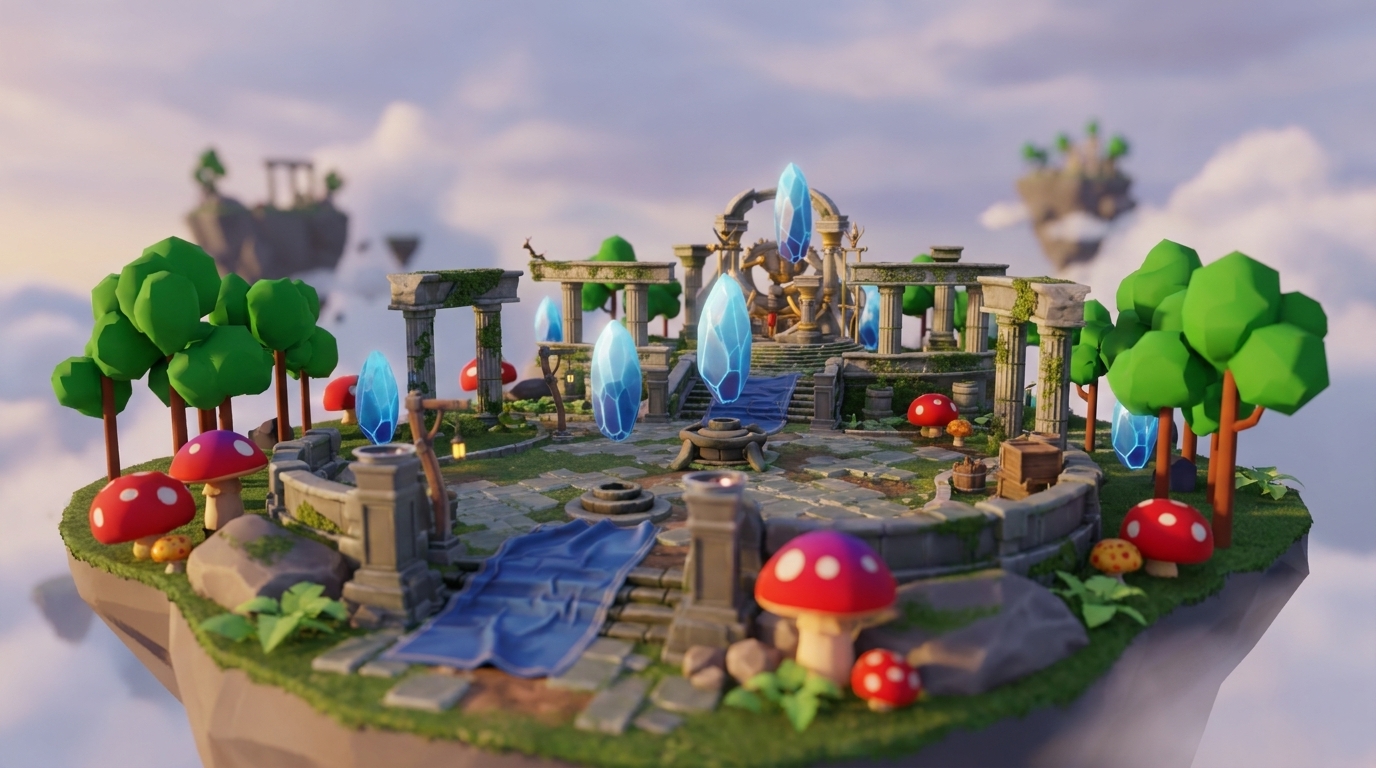
Vibe coding already works for real games. Platforms like Nilo show that you can create fully playable 3D worlds using natural language prompts and a browser.
How To Compare Vibe Coding Platforms for 3D Games
You should look at a few core things when you compare vibe coding platforms. Check how smooth the engine feels while you play, how much control you have beyond simple prompts, how easily you can export to places like Roblox, and how well the platform supports building with friends. Your goal is to stay in creative flow while you build something that feels fun to play.
| Platform | Engine/Physics | Vibe Coding Depth | Roblox Exports | Collaboration |
|---|---|---|---|---|
| Nilo | Custom C++/WebGPU engine with real-time multiplayer and LOD optimization | Text, voice, and image prompts for full game mechanics, physics, and animations | One-click FBX/glTF export tuned for Roblox polygon limits | Multiplayer collaboration, free tier available |
| Rosebud AI | Prompt-based generation with more limited 3D engine features | Focuses on text generation for code with less direct building | Basic export options | More limited tools for building together |
| Cursor | Code-focused tool without a native 3D game engine | AI-assisted coding that still expects scripting knowledge | Manual export setup | Standard code editor collaboration |
The main difference is that Nilo combines vibe coding with a real game engine. You are not just prompting and hoping for a game. You are building inside a 3D world that runs with physics, animations, and multiplayer. See how a real game engine changes your workflow.

Why Nilo Stands Out for Vibe Coding 3D Games
Nilo’s natural language editor accepts prompts in any language, such as English or Spanish, and turns them into working game code with live 3D feedback. This flexibility carries into your creative flow. You can sketch ideas in 2D, refine them with AI, then drag and drop those assets into 3D worlds.
To keep you focused on creativity instead of technical setup, Nilo includes one-click character rigging, text-based animation generation, and automatic level-of-detail controls for smooth performance on different devices.

In Nilo’s February 2026 Survey, 93% of builders said they would recommend the platform to a friend, and 82% rated their experience as “Awesome” or “Good”. One builder said, “Vibe-coding works flawlessly,” which shows how the natural language approach holds up in real projects.
That satisfaction comes from more than strong generation quality. Unlike prompt-only tools that spit out static content, Nilo lets you iterate in real time. You can change a character’s speed from 2 to 20, tweak physics, or adjust animations and see the results instantly in your 3D world.
Step-by-Step: Vibe Code Your First 3D Game in Nilo
You only need a modern browser and a free Nilo account to start. In this walkthrough, you will build a simple endless runner.
1. Open Nilo in Your Browser
Go to play.nilo.io in your browser. You do not need to download or install anything. Nilo runs fully in your browser using WebAssembly and WebGPU to reach console-style performance.
2. Create a New World
Click “New World” to start from a blank 3D scene. You will see the radial creation menu and the inspector panel, which you will use for most of your building.
3. Vibe Code Player Movement
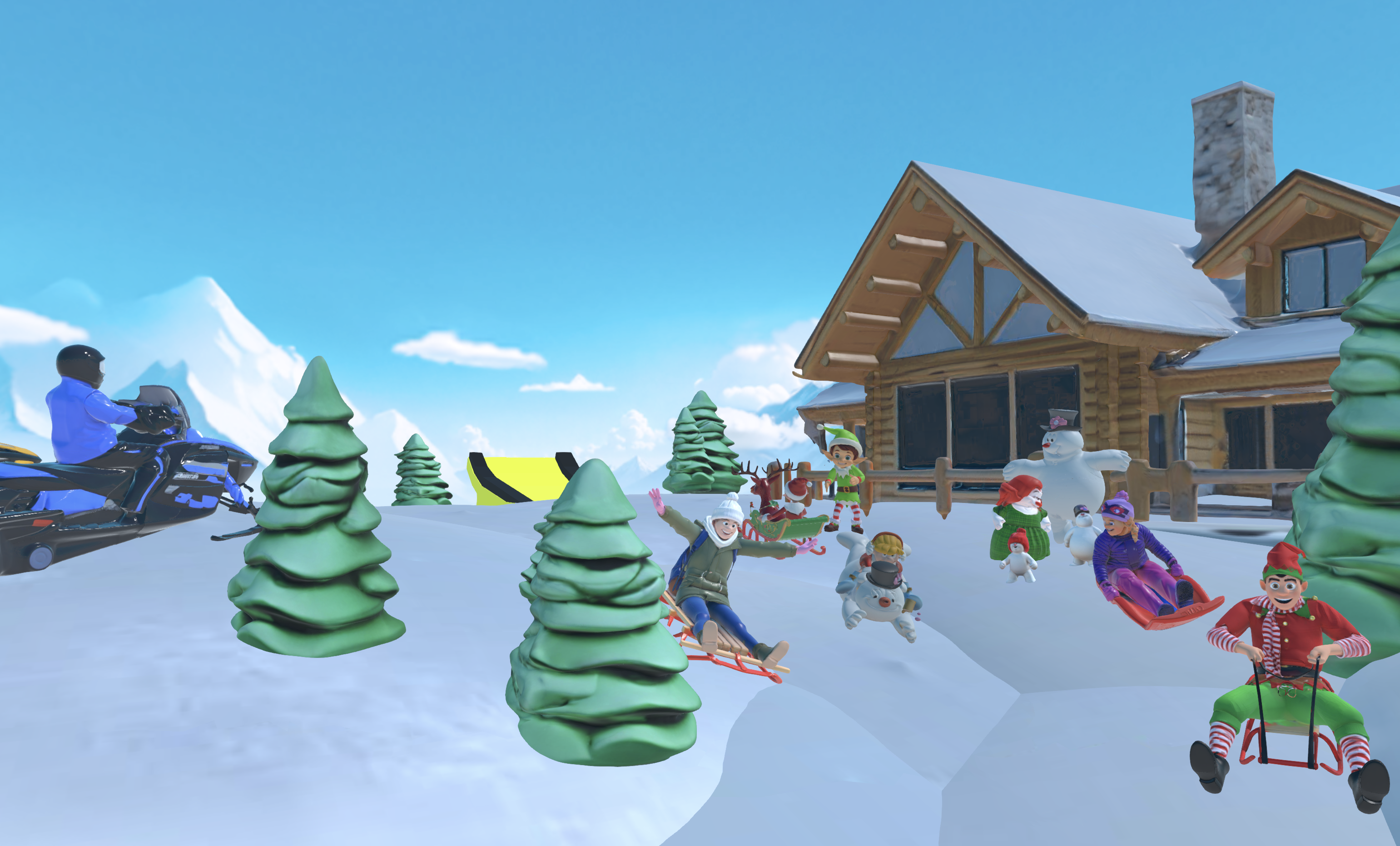
Type or say, “Create a player character that runs forward automatically and jumps when I press the spacebar.” Nilo then generates the character, movement logic, and physics while you watch.
4. Generate Enemy Assets
Use the editor again and say, “Add zombie enemies that chase the player and spawn randomly.” Nilo’s AI creates 3D zombie models, trims their polygon counts, and adds chase behavior.
5. Add Animations
Describe the action you want, for example, “Make zombies lunge forward to attack when they get close to the player.” The AI builds matching animations and hooks them to distance-based triggers.
6. Playtest with Friends
Share your world’s URL so friends can join, build, and play with you in real time. Test the mechanics together, tweak difficulty, and keep iterating based on what feels fun during live sessions.
7. Export to Roblox
Click the export button to download Roblox-ready FBX or glTF files. Nilo’s automatic LOD system keeps your models within Roblox’s usual 10K to 20K polygon range, so you avoid manual cleanup.

Pro tip: Start small and improve in short loops. Vibe coding feels strongest when you add one element, test it, then move to the next. Put these steps into practice with your own endless runner.
Common Vibe Coding Problems and Quick Fixes
Most weak prompt results come from vague descriptions. Instead of saying “make it cool,” try “create a glowing sword with particle effects that deals 50 damage.” You can also attach reference images, which often boosts AI quality a lot.
Once you have solid assets, you might notice performance drops in heavy scenes. Use Nilo’s LOD slider to lower polygon counts in real time and keep gameplay smooth on different devices.
When you are ready to share your work, export issues usually relate to polygon limits. Nilo’s model-agnostic AI and automatic optimization handle those details so your creations move cleanly into Roblox Studio and other tools.
Level Up: Multiplayer, Community, and Next Steps
After you feel good about basic vibe coding, you can dive into multiplayer features. Invite friends to co-create worlds, remix existing projects, and grow small prototypes into full games. Focus on fast iteration instead of chasing perfection. With vibe coding, you can turn an idea into a playable prototype in minutes.
You can also join Nilo’s Discord community of more than 9,000 builders. There you can share techniques, show your work, and learn from other creators who already use vibe coding in their daily builds.
FAQ
Is it possible to vibe code a game?
Yes, as discussed earlier, platforms like Nilo provide browser-based game engines that turn your descriptions into working 3D worlds with physics, animations, and interactive mechanics.
What are the top vibe coding platforms for 3D games?
When you choose a vibe coding platform for 3D games, match it to how you like to build. Nilo offers a custom engine, real-time collaboration, and tools tuned for Roblox exports. Rosebud AI leans toward prompt-to-game generation, while Cursor focuses on AI-assisted coding. Your best pick depends on whether you want hands-on building or mostly generation support.
What’s the best no-code 3D game engine?
Nilo stands out as a no-code 3D engine built around vibe coding. It mixes natural language programming with a full game engine, so you can create playable worlds without traditional coding while still exporting to major platforms.
Is vibe coding 3D games free?
Nilo gives you the 1000 free Bits mentioned earlier each month for AI generation, world creation, and exports. That amount lets aspiring builders or already builders like you learn vibe coding and ship several projects without spending a bunch of money.
Can I use vibe coding on mobile?
Yes, browser-based platforms like Nilo also run on mobile devices. You can create and collaborate on 3D games from your phone or tablet, with controls that adapt to touch.
How do I export vibe-coded games to Roblox?
Nilo supports one-click export to Roblox-friendly FBX or glTF formats with automatic polygon cleanup. The LOD system keeps models within Roblox’s technical limits, so you do not need to fix meshes in Blender first.
How is vibe coding different from Rosebud AI?
Rosebud AI focuses on turning prompts into games. Nilo adds a full game engine with physics, real-time collaboration, and direct building tools. You are not only generating content. You are creating inside a 3D environment that feels close to playing a game.
You can turn your next game idea into something you can actually play. Vibe coding 3D games removes many of the usual barriers, so you build worlds by describing what you want. Whether you are testing a small prototype or shaping a multiplayer experience, this new way of building feels conversational, collaborative, and fun. Turn your first game idea into a playable prototype today.
