
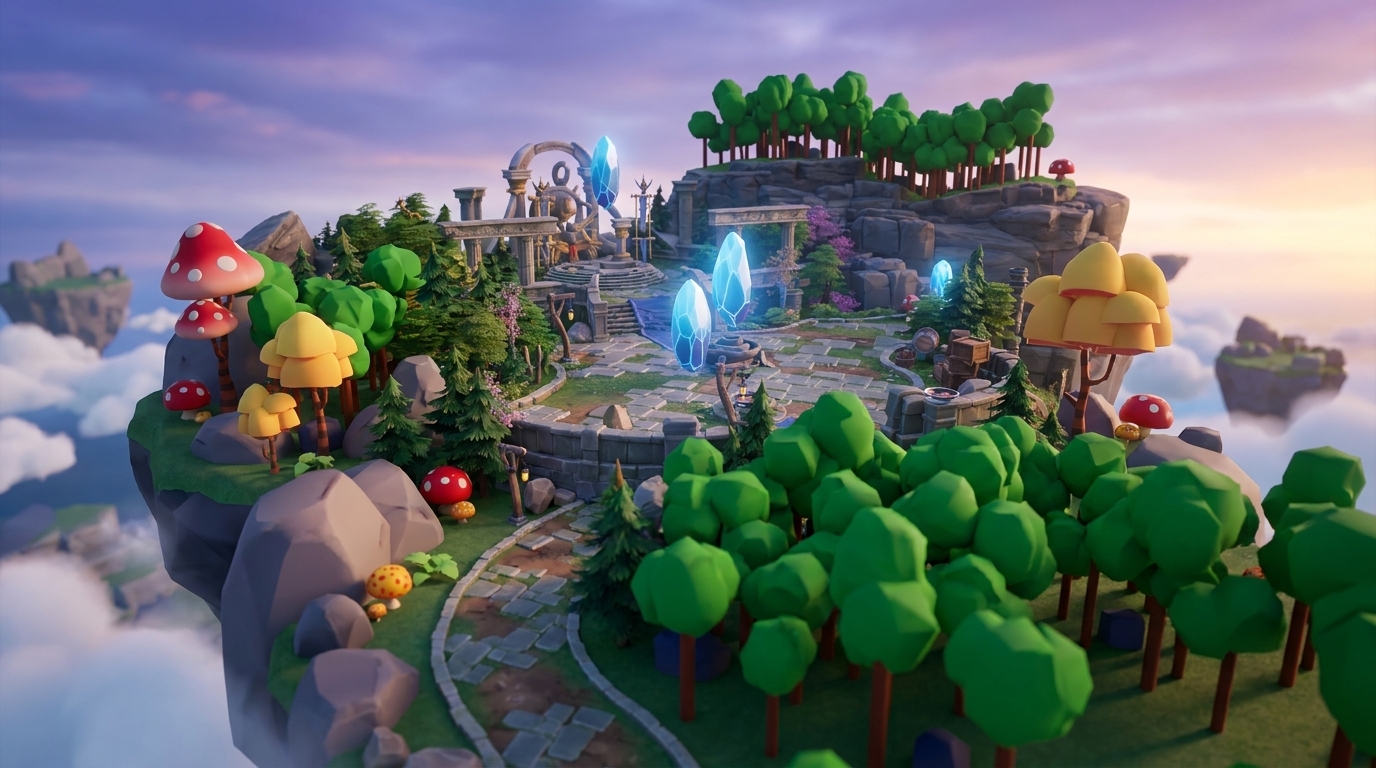
Key Takeaways for Aspiring Vibe Coders
- Vibe coding uses natural language prompts to instantly create 3D game worlds and removes traditional coding barriers for aspiring builders.
- Communities like Nilo support live multiplayer building, so creating games feels as social as playing with friends.
- Platforms such as Nilo, Replit, and Discord servers lead vibe coding in 2026, with Nilo focusing on 3D game creation and Roblox export.
- Browser-based tools powered by WebGPU deliver console-style performance without downloads, so you can build from almost any device.
- Jump into Nilo’s open beta to build and play multiplayer games for free with friends using vibe coding.
The Problem: Why You Need Social Vibe Coding Spaces
Solo prompting in isolated tools creates frustration when you want to build games socially. BCG’s 2026 gaming report shows that 56% of Roblox players are under 16, which means millions of young creators grew up building together in Minecraft and Roblox but hit barriers when they move into game development.
Scripting still blocks many aspiring builders like you. Around 20% of new games now use AI, yet most creation tools still expect traditional programming skills. You often end up choosing between grinding through complex code or hunting for rare collaboration partners who already know how to script.
The emotional cost feels heavy. Game building should feel as fun as playing, yet current workflows feel like homework. Social features in games increase average playtime by 130%, but most creation tools still lack live collaboration features that make building feel social and engaging.
The Solution: How Vibe Coding Changes Game Creation
Vibe coding turns AI-native game development into a conversation where natural language prompts generate working game logic and 3D assets almost instantly. You can say “zombies run at players,” sketch a character, or upload a reference image, and the AI turns that input into functional game code and 3D models.
Traditional coding forces you to learn syntax and debug line by line, while vibe coding feels like chatting with a smart teammate. Modern browser engines powered by WebAssembly and WebGPU let these AI-assisted tools run fully in your browser with console-style 3D performance. This technical base supports shared building sessions, so you can send a link and start creating with friends right away.
Test vibe coding at play.nilo.io and watch your natural language ideas turn into interactive 3D worlds without downloads or complex setup.

Top Vibe Coding Communities for Games in 2026
When you compare vibe coding communities, look at collaboration tools, export options, community size, and how well each platform supports 3D game creation. The platforms below are where aspiring builders like you gather to create games socially.
| Community | Size/Features | Best For | Access |
|---|---|---|---|
| Nilo | 9,000+ Discord members, real-time multiplayer creation, Roblox export, 93% recommend to friends | 3D game worlds with friends, no scripting required | play.nilo.io |
| r/vibecoding | Fragmented discussions, limited collaboration tools | General vibe coding discussions | reddit.com/r/vibecoding |
| Replit Community | Multiplayer coding in a browser IDE, 40M+ users | Code-first development, educational projects | replit.com |
| Discord Vibe Coding Servers | Various sizes, chat-focused, limited creation tools | Discussions and sharing prompts | Multiple servers |
| Hugging Face Spaces | Demo-focused, minimal collaboration features | Testing AI models, not full game creation | huggingface.co/spaces |
Nilo stands out because it combines a custom game engine with social creation features. Builder testimonials from Nilo’s February 2026 Survey highlight this approach: “You made me enjoy vibe-coding. The code assistance works almost flawlessly, other experiences have just been frustrating at best.”
The platform’s shared building tools support true collaborative creation. Unlike prompt-only tools, Nilo gives you a hands-on 3D environment where you and your friends can build, test, and iterate together in the same space. Start your first collaborative project at play.nilo.io to feel how this style of building changes the process.

Why Nilo Fits Social Vibe Coding Builders
Nilo turns vibe coding from solo prompting into collaborative 3D building with friends. You can follow this simple path to create your first multiplayer game in Nilo.
Step 1: Visit play.nilo.io, with no installation required. The browser-based engine runs on any device with WebGPU acceleration, so you can start creating as soon as the page loads.
Step 2: Once you are in the editor, use “Craft Your Model” to generate 3D assets from text, sketches, or images. Say “medieval castle” or draw a character, then let the AI create game-ready 3D models in seconds so you have pieces to build with before you add game logic.

Step 3: Add vibe coding instructions by typing natural language commands like “add jumping platforms” or “make enemies patrol the area.” The AI turns these commands into working game logic and you see the results directly in the 3D scene.

Step 4: Share your world’s link to invite friends for live collaboration. Several people can build, test, and play together across desktop and mobile browsers, which makes the editor feel like a multiplayer game lobby.
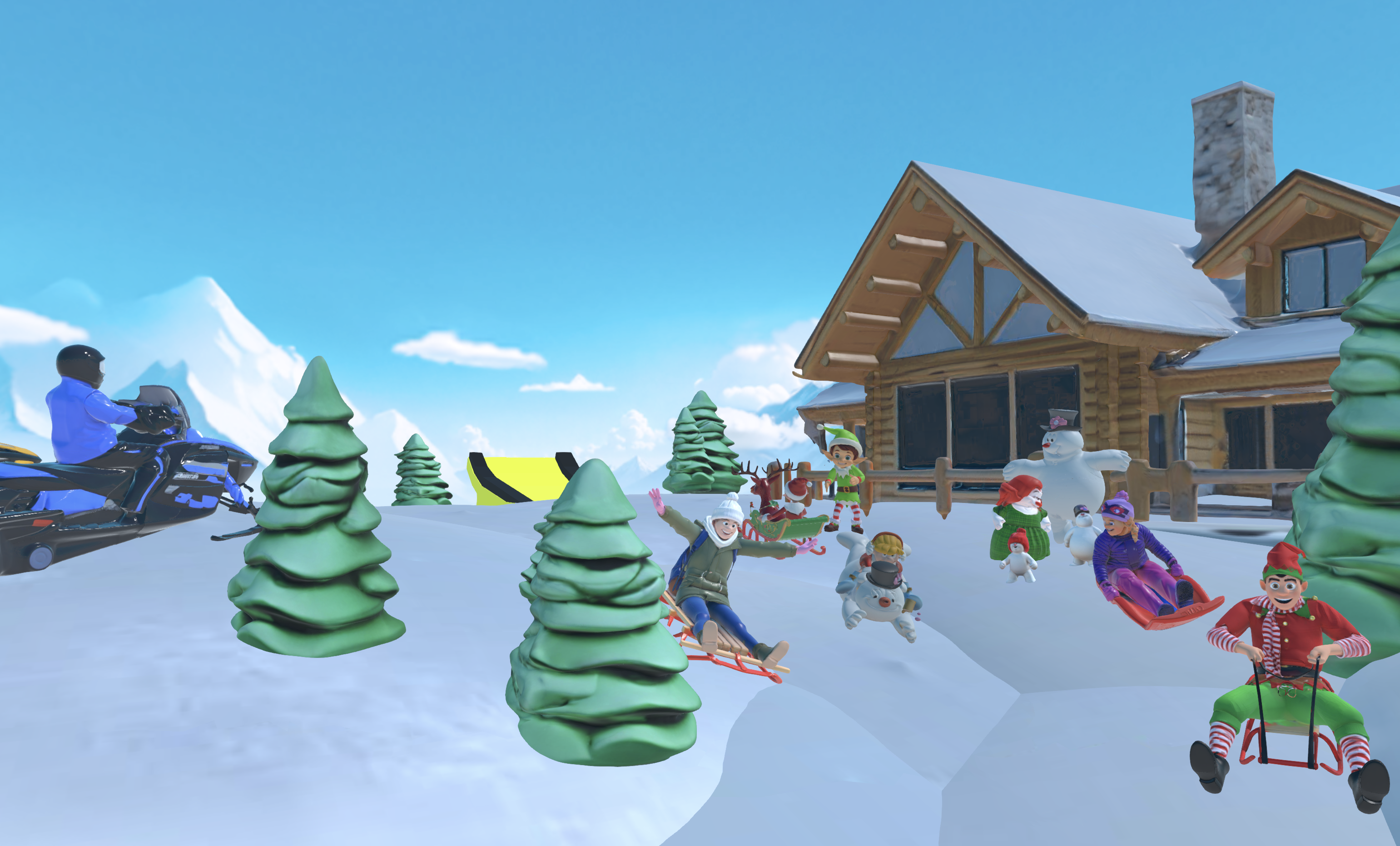
Step 5: Export finished games to Roblox using FBX format, with automatic polygon adjustments that match Roblox’s technical limits.
Nilo’s February 2026 Survey shows 82% of builders rate their experience as “Awesome” or “Good”, and over 1 million monthly organic social views reflect strong community interest. Rosebud AI focuses more on prompt-to-game generation without a custom engine, while Nilo offers a complete 3D creation environment where building feels like playing.
One builder summed it up clearly: “I like how it feels like a good game engine rather than a vibe coding tool, with easy building and a good focus on being able to export and import content.”
Jump into Nilo’s shared editor and see how vibe coding becomes social and fun when you combine it with multiplayer-style building.
How You Can Join and Use Vibe Coding Communities
You can start by joining Discord servers where builders trade techniques and team up on projects. Look for communities that connect directly to creation tools instead of only offering chat channels. Then test each platform by making a tiny project and see whether you can build and share a basic 3D world during your first session.
Choose communities that support export features if you want to move your creations into other platforms. Nilo’s FBX export works smoothly with Roblox, Unity, and Blender, while some tools keep your creations locked inside their own ecosystem.
Practice shared building by inviting friends into your projects. Strong vibe coding communities make multiplayer-style creation feel natural, so you can send a link and start building together almost as easily as joining a multiplayer match.
Frequently Asked Questions
What are vibe coding Discord servers?
Vibe coding Discord servers are spaces where builders share natural language prompts, team up on projects, and talk about AI-assisted game creation. Nilo’s Discord community has over 9,000 members who help each other learn vibe coding techniques, show off their 3D worlds, and give feedback on projects. These servers mix chat-based discussion with links to the actual creation platforms where the real building happens.
What are the best platforms for multiplayer vibe coding games?
Nilo stands out for multiplayer vibe coding in 3D games and supports live collaboration where several people can build in the same world at once. The platform combines natural language coding with a custom game engine, so you can create interactive 3D worlds by talking to AI while friends add their own ideas in parallel. Replit also offers multiplayer coding, but it focuses more on traditional development workflows than on 3D game creation.
How does vibe coding work for beginners?
Vibe coding removes many programming barriers by accepting natural language input in any language. As a beginner, you can type “make the character jump higher” or “add a bridge between platforms” and see quick changes in your 3D world. Nilo makes this even easier with a no-code starting point, so you can sketch designs, upload reference images, or just describe what you want to build while the AI handles the technical details.
How are vibe coding standards evolving?
The vibe coding space keeps advancing as AI models improve and browser technology matures. BCG’s 2026 report shows that 50% of game studios now use AI, which signals mainstream adoption of AI-assisted development. Platforms now move beyond simple prompt-to-code tools toward full creation environments that mix AI help with hands-on building tools, live collaboration, and export options that work for professional pipelines.
Conclusion: Turn Your Ideas into Social 3D Worlds
Vibe coding communities turn game creation from a lonely grind into collaborative play. Platforms like Nilo show how AI-native tools can make building games feel as social and engaging as playing them. When you combine natural language coding, multiplayer-style creation, and export options that work with tools like Roblox and Unity, you unlock new paths as an aspiring builder.
Transform your game ideas into 3D worlds at play.nilo.io, where conversation with AI and collaboration with friends make creation feel like play.
