
Key Takeaways
-
Vibe coding lets you use natural language, voice, or images to generate code and 3D assets, so you can build games without learning to program first.
-
Core features include AI 3D generation, real-time physics, LOD optimization, multiplayer collaboration, and exports to engines like Roblox and Unity.
-
AI-first architecture automatically picks the right AI models for rigging, animation, and world-building, then shows you instant results.
-
Automatic polygon optimization and Roblox-ready exports help you work around Roblox limits while still building together in real-time.
-
Join Nilo’s open beta today to build and play 3D games for free with a powerful vibe coding platform.
Core Vibe Coding Features That Remove Old Barriers
Modern vibe coding game engines combine several breakthrough capabilities that make 3D game creation accessible to anyone. The table below shows how each core feature removes a classic game dev barrier, from scripting headaches to lonely, solo workflows.

|
Feature |
Description |
Why It Matters |
|---|---|---|
|
Natural Language Code Editor |
Generate working game logic by typing or speaking what you want |
No scripting knowledge required |
|
AI 3D Asset Generation |
Create characters, props, and environments from text or sketches |
Skip months of 3D modeling training |
|
Real-Time Physics |
Objects move, collide, and react automatically |
Games feel alive without manual setup |
|
LOD Optimization |
Automatic polygon reduction for smooth performance |
Works on all devices, meets platform limits |
|
Multiplayer Collaboration |
Build together in real-time by sharing a link |
Creation becomes social like the games you love |
|
Platform Exports |
Export to Roblox, Unity, and other engines |
Not locked into one ecosystem |
Vibe coding describes the instant feedback loop between what you imagine and how the AI responds on screen. Entity Component System (ECS) architecture makes this possible by organizing game data in ways AI can understand and change in real time.
Try Nilo’s vibe coding features now to see how natural language turns into playable 3D worlds.
Why Vibe Coding Took Off in 2026
The convergence of several technologies has made vibe coding game engines possible in 2026. WebGPU and WebAssembly advances now let console-style 3D graphics run directly in your browser without downloads.
Traditional game engines like Unity and Roblox Studio were built for professional developers. They expect deep technical knowledge and complex workflows, which often frustrate aspiring builders or already builders like you who just want to create and share. The 735M+ monthly players across Roblox, Minecraft, and Fortnite form a huge group ready to move from playing to creating, as long as the tools feel familiar and friendly.
AI-native platforms respond to this shift by hiding complexity behind natural language. Instead of learning scripting languages, you describe your game ideas in plain English or any language you prefer. Prompt-to-game tools like Rosebud AI and Oasiz help you spin up quick drafts, but they usually miss the hands-on building feel that makes creation feel like play.
Roblox builders deal with specific headaches such as polygon count limits, complex scripting, and slow asset cleanup in Blender. Vibe coding engines tackle these problems with automatic optimization and simple creation flows that keep you in the fun part of building.

See how Nilo fits into your creative workflow with features tuned for Roblox-focused and aspiring game creators.
How AI-First Architecture Powers Vibe Coding
Modern vibe coding engines start with AI at the core instead of bolting AI on later. This model-agnostic setup lets the platform switch between different AI providers like Meshy, Tripo, and others, so you get strong results for each task.
The architecture separates the creative interface from the underlying AI models, which means that when you describe a character or environment, the system can automatically pick the model that fits that job. This separation delivers a key benefit, because as AI models improve over time, your creative powers grow too without you learning new tools.
This approach contrasts with traditional engines where you must master each software interface. In a vibe coding engine, the AI focuses on understanding what you want to build and then handles the technical steps for you.
Natural Language Vibe Coding for Game Logic
The natural language code editor sits at the heart of vibe coding engines and changes how you script games. You create interactive mechanics by simply describing what you want, such as “Make the player jump higher when they collect a coin” or “Add a door that opens when the player walks close.”
Nilo’s vibe coding editor accepts input in any language, including English, Spanish, and others, and then generates working code with real-time feedback. You see changes instantly in your 3D world, which makes learning game logic feel visual instead of abstract. Game developers report a 77% drop in median Unity project development time, from 91 hours to 21 hours (about 4.3x faster than previously).
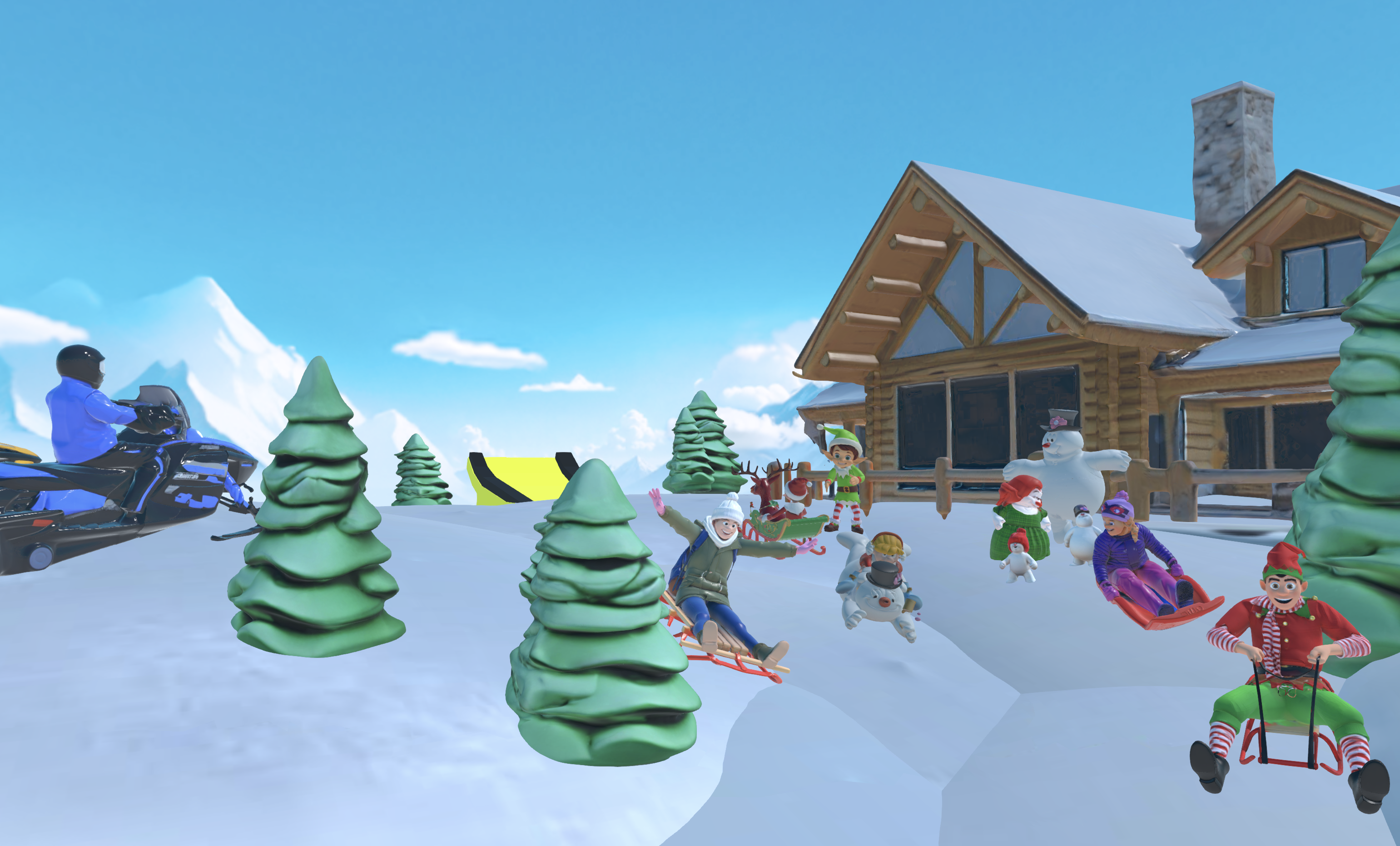
The system also reveals the actual code variables so you can learn by tweaking. You can change “speed = 2” to “speed = 20” and immediately see how your game reacts.
Fast 3D Asset Creation, Rigging, and Animation
Vibe coding engines remove the long 3D modeling grind that usually blocks new creators. You can generate characters, props, and environments from text prompts, rough sketches, or reference images. The sketch-to-3D flow lets you draw in 2D, refine with AI help, then drop your creation straight into the 3D scene.
One-click rigging turns static models into characters you can animate right away. Traditional rigging can take days of careful work, while vibe coding engines handle that setup in seconds. AI-driven animations respond to text descriptions, so you type what you want a character to do and watch the motion appear.
All generated assets export to standard formats compatible with Roblox, Unity, and other platforms. You stay free to move your work wherever you want instead of being locked into one ecosystem.
World Building, Physics, and Playful Editing
Vibe coding engines give you world-building tools that feel more like playing a game than using a pro editor. Radial menus let you drop in objects quickly for fast experiments, while inspector panels help you fine-tune details when you want more control. This mix of speed and precision keeps everything interactive and dynamic by default, so objects move, bump, and react in real time without extra setup.

Built-in physics simulation means you skip manual wiring for collisions, gravity, or object interactions. C++ physics engines compiled to WebAssembly deliver performance close to native desktop apps, even inside the browser.
Published worlds show up in scrollable feeds similar to Roblox experiences, which makes sharing and discovery feel natural.
LOD Optimization and Smooth Performance
Level of Detail (LOD) systems automatically adjust polygon counts based on distance and device power. This matters a lot for platforms like Roblox, which enforce the triangle limits mentioned earlier. Advanced LOD systems can significantly reduce polygon count for distant objects, so your game stays smooth on many devices.
Vibe coding engines manage these optimizations for you, so you can focus on ideas instead of chasing performance bugs. Real-time mesh simplification helps your games run well on both high-end PCs and mobile phones.
Real-Time Collaboration That Feels Like Multiplayer
Vibe coding engines turn game creation into a shared activity instead of a solo grind. You share a URL, and friends can join your project instantly to build with you in real time across desktop and mobile browsers.
This collaborative style mirrors the multiplayer games that inspired you to create in the first place. You prototype ideas with friends, test them together, and get feedback right away instead of waiting weeks.
Export Options for Roblox, Unity, and Beyond
Professional vibe coding engines support standard 3D formats including FBX, OBJ, STL, and glTF. Some platforms offer Unity exports for Steam and console distribution, while others lean toward web-based publishing.
The standard 3D formats mentioned earlier, plus these export paths, keep your projects compatible with many pro workflows. Roblox-optimized exports help your creations meet platform requirements without extra cleanup, and automatic LOD and polygon tools mean your assets open in Roblox Studio ready to test.

How To Compare Vibe Coding Platforms
|
Platform |
Approach |
Best For |
Trade-offs |
|---|---|---|---|
|
Nilo |
Hands-on vibe coding with full engine |
Creators who want Roblox-friendly workflows and creative control |
— |
|
Rosebud AI |
Prompt-only generation |
Quick prototypes without iteration |
Limited hands-on building |
|
Roblox Studio |
Professional desktop application |
Advanced developers with scripting skills |
Requires installation and Lua knowledge |
|
Unity |
Professional game engine |
Commercial game development |
Complex interface, steep learning curve |
When you compare vibe coding engines, look at iteration speed, export options, and community support. Strong platforms balance AI help with creative control, so you can shape your own vision instead of accepting every first AI draft.
Common Vibe Coding Challenges
Vibe coding engines still face some built-in challenges, with unpredictable AI generation being the most common. This “AI lottery” effect means you sometimes need several attempts to get the result you want. This unpredictability is why advanced platforms like Nilo focus on creative control tools that let you refine and iterate instead of regenerating from scratch.
Performance tuning also stays tricky, especially on platforms with strict limits like Roblox. Automatic LOD systems help a lot, but learning basic polygon and texture budgets will still improve your results.
Natural language interfaces also have depth limits. You can build impressive games through conversation, yet very complex mechanics may still need traditional programming. The strongest vibe coding engines expose the underlying code so you can learn and customize when you are ready.
FAQ
What is vibe coding in game development?
Vibe coding means creating games with natural language instead of classic programming. You describe what you want your game to do using text, voice, or images, and AI turns those ideas into working code and 3D assets. This approach opens game development to creators without technical backgrounds while keeping the fun, iterative feel of building and playing.
Which vibe coding game engine is best for Roblox creators?
Nilo stands out for Roblox creators because it is designed with Roblox workflows in mind. The platform automatically optimizes polygon counts to meet Roblox’s triangle limits mentioned earlier, exports directly to Roblox Studio, and includes features like one-click rigging and real-time collaboration. Nilo’s February 2026 Survey showed 93% of builders would recommend Nilo to friends, with many praising its Roblox-ready exports and intuitive interface.
How does Nilo compare to prompt-only tools like Rosebud AI?
Prompt-only tools generate games from text descriptions, while Nilo gives you a hands-on building space where you can tweak and refine in real time. You are not stuck with whatever the AI first generates, because you can modify, test, and collaborate inside the 3D world itself. This “Iron Man, not Wall-E” style gives you AI superpowers while you stay in control of your ideas.
Can I export my vibe coding projects to other platforms?
Yes, professional vibe coding engines support standard 3D formats like FBX, OBJ, and glTF that work with Roblox, Unity, Unreal Engine, and other platforms. Nilo focuses on Roblox-friendly exports and handles polygon reduction and format rules automatically. You stay free to move between ecosystems and plug vibe coding into larger workflows.
Do vibe coding engines support voice input and multiple languages?
Advanced platforms like Nilo accept natural language input in multiple languages through both text and voice. You can literally speak your game ideas into existence, which makes creation feel more natural and accessible to creators around the world. The AI focuses on your intent, not just your exact wording.
Is there a free tier for vibe coding game engines?
Most vibe coding platforms include free tiers so you can try them without spending a bunch of money. Nilo provides 1,000 free Nilo Bits monthly for AI generation, export, and creation features. Many core building tools use no credits at all, so you can explore the platform and ship simple projects before you think about paid plans.
Why Vibe Coding Matters for Your Next Game
Vibe coding game engines point toward the future of accessible 3D creation by mixing AI help with hands-on building. For Roblox creators and aspiring builders like you, these platforms remove many classic blockers while still giving you control and solid output quality.
Start building with Nilo’s vibe coding engine today and feel what it is like to create at the speed of thought.
