
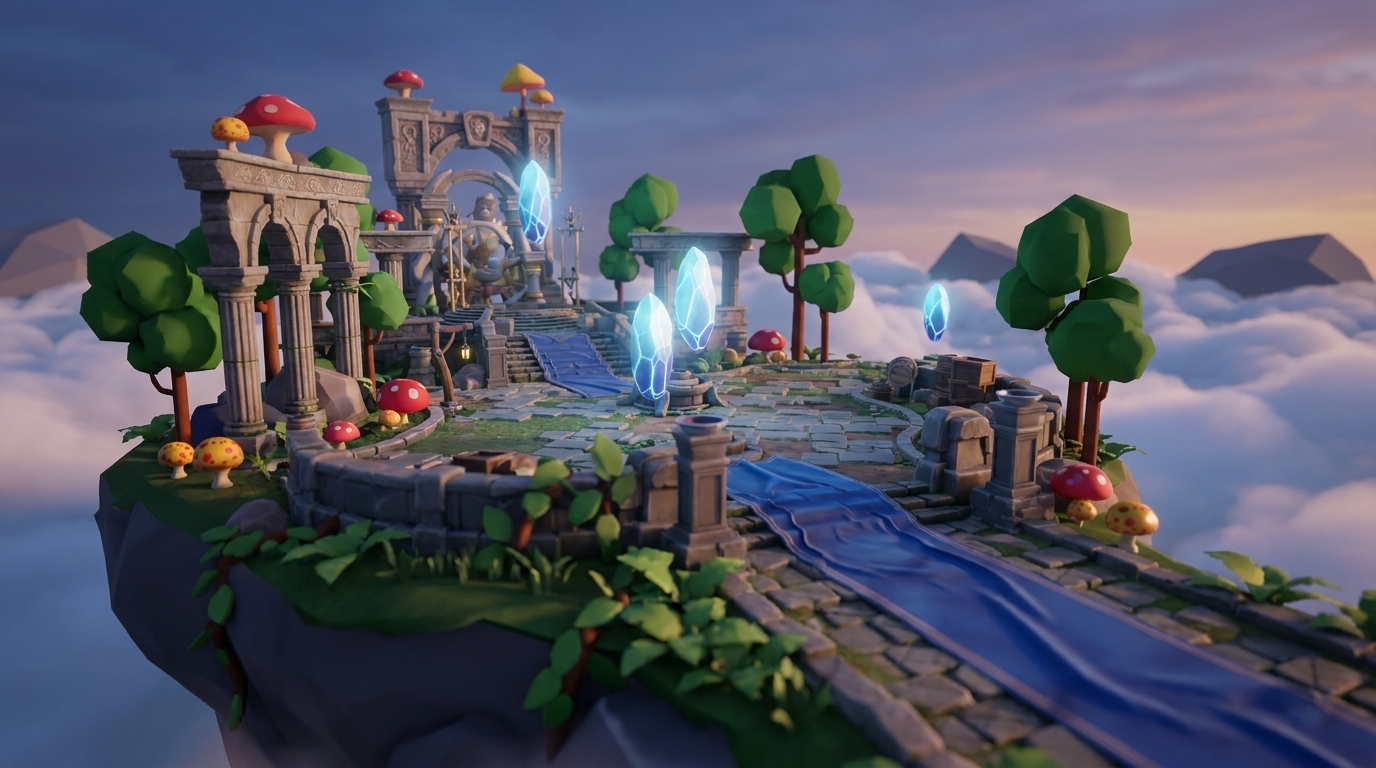
Key Things You Can Do With Vibe Coding Multiplayer
-
Vibe coding lets you build multiplayer 3D games by talking to an AI instead of writing complex networking code.
-
Browser tech like WebGPU, WebRTC, and WebTransport now powers smooth real-time 3D multiplayer experiences in 2026.
-
Nilo combines AI-native workflows with a server-authoritative setup for anti-cheat protection and easy collaboration.
-
You can follow 7 simple steps in Nilo to prototype, test, and export multiplayer games to platforms like Roblox or Unity.
-
Start building your first multiplayer game in Nilo’s free beta and put these features into practice right away.
What Vibe Coding Multiplayer Features Let You Build
This guide walks you through the tools, architectures, and features that shape vibe coding multiplayer development. You also see common pitfalls and how to avoid them, then follow a complete 7-step tutorial in Nilo to build your first multiplayer 3D game.
Vibe coding turns your natural language prompts into working 3D code with real-time feedback. Multiplayer features cover synchronized player movement, chat systems, room creation, and shared game state through protocols like WebSockets and WebTransport. A server-authoritative model checks actions on the server before updating all players, which keeps matches fair and reduces cheating.

Key aspects of vibe coding multiplayer features include:
-
Real-time state synchronization across multiple players
-
Natural language code generation for multiplayer logic
-
Browser-based deployment with zero installations
-
Anti-cheat protection through server-side validation
The Browser 3D Boom Powering Your Multiplayer Builds
Modern browsers now handle complex 3D multiplayer games without installing Unity or Roblox Studio. WebGL, WebGPU, and Three.js push immersive 3D experiences into mainstream web design by 2026, with smoother and lighter scenes thanks to better tools and browser upgrades.
AI has lowered the technical barriers that once required years of programming practice, so you can focus on ideas instead of syntax. This accessibility turns game development into a social activity again, just like the multiplayer games that made you want to build in the first place. Because the barrier is low, you can prototype ideas quickly with friends, then export to advanced platforms when your concept feels ready.

Given these advances in browser-based 3D and AI, several platforms now compete in this space, each with a different approach. Current competitors fall into distinct categories.
Replit focuses on code-heavy development environments, helping you write and share code for prototypes. Rosebud AI offers prompt-only generation, where you describe your game and get assets or prototypes with limited hands-on editing. Roblox Studio requires installation and scripting knowledge to build experiences. Nilo stands out by combining a browser-native game engine with multiplayer collaboration and natural language coding.
Core Multiplayer Features You Should Look For
Clear multiplayer features help you decide which platform fits your goals as an aspiring builder or already a builder like you. Use this breakdown to compare options and see what matters most for your projects.
|
Feature |
Description |
Why It Matters |
Nilo Implementation |
|---|---|---|---|
|
Real-time Sync |
Player positions and physics update instantly |
Reduces lag and desync between players |
WebTransport with C++ physics engine |
|
Chat/Voice |
Communication between players |
Makes gameplay social and cooperative |
Via Discord/Telegram |
|
Rooms/Lobbies |
Private spaces for friend groups |
Lets you control who joins each session |
Share-link room creation |
|
State Sync |
Scores, items, and game progress |
Keeps everyone in the same game reality |
Server-authoritative validation |
|
Collision Detection |
Objects interact realistically |
Makes physics feel believable |
Built-in physics simulation |
In Nilo, you might say, “Make players bump and chat when they collide,” and the AI generates the C++ physics code compiled to WebAssembly. Recent browser-based 3D games like the Emergent Battleships implementation use WebSockets for real-time state synchronization, synchronized turns, and live attack mechanics, which shows how similar tech supports responsive multiplayer play.

Comparing Tools and Multiplayer Architectures
When you compare vibe coding multiplayer platforms, focus on ease of use, performance, collaboration, and export options. Match each platform to your goals, whether you want quick prototypes with friends or higher-end games that push performance.
|
Platform |
Ease of Use |
WebGPU Performance |
Real-time Collaboration |
Export Options |
|---|---|---|---|---|
|
Replit + Socket.IO |
Medium |
Limited |
Code sharing only |
Web deployment |
|
Unity WebGL |
Low |
High |
No |
Multiple platforms |
|
Nilo |
High |
High |
Yes |
Roblox, Unity, FBX, glTF |
The trade-offs become clear when you think about what you want to ship. Replit lets you prototype fast by sharing code, but it lacks deep 3D tools. Unity delivers pro-level power with strong performance, but you need to learn a lot before you feel comfortable. Nilo stands out with a balance of easy access, speed, and features for builders like you who want to jump in without a long setup.

Beyond choosing a platform, you also need to understand the architecture that keeps multiplayer games fair and stable. Server-authoritative architecture prevents cheating by validating all player actions on the server before broadcasting updates. This approach works well for competitive multiplayer games where fairness matters.
7 Steps to Vibe Code Multiplayer 3D with Nilo
This 7-step flow shows you how to build your first multiplayer 3D game using vibe coding, from blank canvas to export.
-
Access Nilo: Visit play.nilo.io in any browser, with no installation. Create your account and start with the free tier.
-
Generate Your World: Say “Create a cozy island with realistic physics” and watch the AI generate terrain, lighting, and interactive elements.
-
Add Multiplayer: Say “Enable real-time collaboration with shareable link” to turn on multiplayer features and room creation.
-
Build Interactive Features: Prompt “Add chat system, synchronized jumping, and live scoring” to create your core multiplayer mechanics.
-
Invite Friends for Testing: Share your world link through Discord or Telegram. Test on desktop and mobile, and pay attention to lag, sync issues, and how it feels on different devices.
-
Prepare for Export: Use Nilo’s LOD (level of detail) slider to lower polygon counts so performance stays smooth across devices.
-
Export to Your Platform: Download FBX or glTF files and import them into Roblox Studio, Unity, or other engines you like.
Builders consistently praise this workflow for making vibe coding feel playful while still giving you real control.

The entire process from concept to playable multiplayer game can take minutes instead of weeks. Try this 7-step workflow yourself in Nilo’s free beta and go from idea to playable game in a single session.
Common Multiplayer Pitfalls and How to Fix Them
Vibe coding multiplayer still brings real technical challenges such as latency, sync bugs, and mobile performance issues. Knowing these pitfalls helps you pick the right tools and design better tests.
Latency Problems: Traditional WebSocket connections can add lag in fast-paced games. Nilo uses the WebTransport protocol, which usually delivers lower latency than standard WebSockets. The Emergent Battleships game handled WebSocket issues by adding retry logic and fallback syncing from REST endpoints, which shows one way to keep sessions stable.
Cheating and Validation: Client-side validation lets players change game state on their own devices. Server-authoritative models avoid this by checking all actions on the server before other players see updates.
Mobile Performance: Heavy 3D scenes can struggle on phones and tablets. Nilo’s WebGPU implementation with WebGL fallback keeps your game running across devices, while automatic LOD optimization helps maintain smooth frame rates.
Code Quality Issues: AI-generated code can have 1.7 times more issues than human-written code, according to third-party reviewing platforms. You should always test multiplayer features carefully with friends before you share your game widely.
Vibe Coding Multiplayer FAQ
What are vibe coding multiplayer features?
Vibe coding multiplayer features, as described earlier, let you create synchronized 3D interactions using natural language prompts instead of traditional programming. The main benefit is that the AI handles the networking code while you stay focused on the creative side of your game.
How does Nilo compare to Rosebud AI for multiplayer games?
Nilo gives you a complete 3D game engine with hands-on building tools, while Rosebud AI focuses mainly on prompt-to-game generation. With Nilo, you can collaborate in real time with friends, move and edit objects directly in 3D space, and export to several platforms. Rosebud AI generates games from prompts but does not offer the same interactive building environment or robust multiplayer collaboration that Nilo provides.
Can I build multiplayer games on mobile devices?
Yes, you can build and play multiplayer games on mobile. Nilo runs entirely in mobile browsers with full multiplayer support. The platform uses WebGPU with WebGL fallback so it works across many devices, and you can create, collaborate, and play on phones and tablets as easily as on desktop.
How do I export multiplayer games to Roblox?
Nilo exports to Roblox-compatible formats such as FBX and glTF files. The platform automatically reduces polygon counts to match Roblox performance limits. You build your multiplayer world in Nilo, adjust the LOD slider for Roblox, then export and import the files into Roblox Studio.
Is vibe coding multiplayer development free?
Nilo offers a free tier with 1,000 Nilo Bits per month for AI generation, export, and creation, plus access to multiplayer collaboration. This gives you plenty of room to experiment without spending a bunch of money. Paid tiers add more Bits if you need extra generation capacity.
Start Vibe Coding Multiplayer Now
Vibe coding multiplayer features give you one of the fastest paths from game idea to something you and your friends can actually play. You skip complex networking protocols and server setup, and you stay focused on your creative vision while the AI handles most of the technical work. Nilo makes this feel more like playing a game than using heavy development software.
The mix of natural language coding, real-time collaboration, and instant deployment creates a new way to build games. Experience this new paradigm firsthand in Nilo’s free beta and see how vibe coding multiplayer changes your creative process.
