
Key Takeaways
- Vibe coding lets you create Roblox game mechanics with natural language prompts, so you skip complex Lua scripting and prototype faster.
- Major upsides include speed (minutes instead of hours), easier access for beginners, and rapid iteration, with many developers saving 30–75% of coding time.
- Real risks include security issues, debugging challenges, and long-term maintainability, so you need code inspection and real-time feedback to stay safe.
- Vibe coding works best for rapid prototypes and learning, while traditional coding still fits production games and complex systems.
- Experience secure, practical vibe coding by joining Nilo’s open beta for free, with real-time 3D feedback and Roblox export.
The Problem: What Vibe Coding Solves for You
Traditional game development forces you to learn multiple complex tools separately, which creates barriers that stop many aspiring builders like you before you even start. Want to create a simple obby in Roblox Studio? You might spend hours wrestling with Lua syntax just to make a part move or detect player collisions. The same pattern repeats across platforms, because Unity expects C# knowledge and Blender demands months of 3D modeling practice. Each tool adds another learning curve between your idea and a playable game.
Vibe coding flips this approach. Instead of writing “if player.Touched then player.Health = 0 end,” you simply tell the AI “make this part kill the player when touched.” The AI generates the code while you stay focused on game design and player experience.
This natural language approach removes a big translation barrier between your imagination and execution. You still need to think clearly about what you want, but you no longer have to translate every idea into strict syntax. There is also a key difference between prompt-only tools and engine-first platforms. Tools like Rosebud AI generate games from text descriptions but give you limited hands-on control afterward. Engine-first platforms like Nilo combine vibe coding with real-time 3D environments, so you can see, test, and refine your creations as you build.

Vibe Coding Pros and Cons for Roblox Builders
Vibe coding offers clear advantages for game prototyping when you understand how it changes common Roblox tasks. The table below compares how vibe coding transforms everyday development work, so you can see the time savings and accessibility gains you can expect.
| Aspect | Pros | Roblox Example |
|---|---|---|
| Speed | Build obbies in minutes instead of hours | Checkpoint system created instantly vs. days learning Lua |
| Accessibility | No scripting knowledge required | Create tycoon mechanics without learning DataStores |
| Security | Rapid iteration for testing ideas | Player data validation included |
| Debugging | AI explains errors in plain English | Easy to trace teleporter issues with real-time feedback |
The biggest advantage is speed. Developers report saving 30% to 75% of time on coding tasks when using AI assistants. For Roblox builders like you, that shift means weekend ideas can turn into playable prototypes instead of half-finished projects.
You get the most value when you choose platforms that let you inspect and understand the generated code. That way you can learn from working examples, fix issues yourself, and avoid feeling locked into a “black box.”
Vibe Coding Examples You Can Try
Vibe coding shines in specific game development scenarios where you want working mechanics without weeks of study. Instead of spending hours learning Roblox’s complex scripting systems, you can create functional features through a simple conversation with the AI.
Obby Creation: You say “create a moving platform that goes back and forth,” and the AI generates the TweenService code for you. The traditional path would push you to research TweenService documentation, understand CFrame manipulation, and debug timing issues before anything moves correctly.

Tycoon Mechanics: You say “when the player buys this item, unlock the next tier and increase money generation,” and the AI creates the purchasing logic, data saving, and UI updates. The traditional path would require you to learn DataStores, RemoteEvents, and complex state management before your tycoon feels alive.
Builders in Nilo’s February 2026 survey consistently reported dramatic time savings. One creator said, “You made me enjoy vibe-coding… works almost flawlessly.” Another shared, “I do not have to spend hours on 3D modeling the simplest things. Now I can use Nilo and do it in 15 seconds.”
The key difference from traditional development is not only speed. You also keep your creative momentum. When you can iterate on ideas immediately instead of getting stuck on technical details, you are more likely to finish projects and explore new concepts.

Is Vibe Coding Worth It? When to Use It
Speed and creative momentum help a lot, but they do not guarantee success for every project. You need a simple way to decide when vibe coding fits your current idea and when you should lean more on traditional scripting. Use the decision matrix below to match your project type with a recommended approach and understand the trade-offs.
| Project Type | Vibe Coding Recommended? | Why | Alternative Approach |
|---|---|---|---|
| Rapid Prototypes | Yes | Speed matters more than perfection | Traditional coding for final version |
| Learning Projects | Yes, with inspection | See working examples, learn patterns | Study generated code, ask AI to explain |
| Production Games | Pair with review | Security and maintainability critical | AI generation + expert validation |
| Complex Systems | Limited use | AI struggles with intricate logic | Traditional architecture + AI assistance |
Real-time visual feedback, export options, and community support matter most for long-term success with vibe coding. Platforms that let you see your code running in a 3D environment while also exporting to established engines give you flexibility and control.
93% of Nilo users recommend the platform to friends, largely because it combines vibe coding with immediate 3D feedback and smooth Roblox export.
Handling Vibe Coding Security Risks and Reddit Concerns
The vibe coding community has gone through real growing pains. Reddit discussions reveal that the early “honeymoon period” often turns into frustration when projects become hard to maintain or hide security flaws.
Common problems include hidden logic vulnerabilities, uneven code quality between generations, and confusing debugging when something breaks. DryRun Security found that AI coding agents introduced 143 security issues across 38 scans when building realistic applications, including browser-based games.
You do not need to abandon vibe coding to stay safe. You need platforms that tackle these issues directly. Look for tools that let you inspect generated code, give you real-time feedback on your scenes, and use a model-agnostic setup so you are not locked into a single AI provider.
Nilo addresses these concerns by showing you exactly what code gets generated, so you can see and tweak variables like “speed = 20.” You also get immediate 3D feedback, which helps you catch issues early, and support for multiple AI models, so you benefit as the broader AI ecosystem improves.
Vibe Coding’s Future in 2026 and Beyond
Vibe coding is becoming a standard tool for prototyping and rapid development. Many forecasts suggest that a large share of new code will be AI-generated by the end of 2026, while browser technologies like WebGPU make advanced 3D creation possible without heavy downloads.
For game builders like you, the mix of AI generation and real-time 3D feedback unlocks new workflows. You can prototype mechanics, test them instantly with friends, and export to platforms such as Roblox, all from your browser.
Platforms that succeed will support your creativity instead of trying to replace it. Nilo’s approach of auto-improving through partnerships with providers like Meshy and Tripo means the platform grows more powerful as AI models advance, without forcing you to learn a new toolset every few months.
Why Nilo Stands Out for Vibe Coding
Nilo combines vibe coding with a full browser-based game engine, so you get real-time 3D feedback, one-click rig and animate, and direct Roblox export in one place. You build inside a live 3D environment, which lets you see, test, and refine your creations as you go instead of waiting for long build steps.

Helpful features include automatic level-of-detail handling for Roblox’s polygon limits, collaborative building with friends through a simple link, and a model-agnostic AI layer that picks strong models for each task.
Builders from the same February 2026 survey consistently praised the hands-on feel. One said, “I like how it feels like a good game engine rather than a vibe coding tool, with easy building and a good focus on being able to export and import content.” Another added, “There are no limits on what you can create—just type, draw or add in an image and you can generate, rig, customise and place a fully 3D model within minutes.”
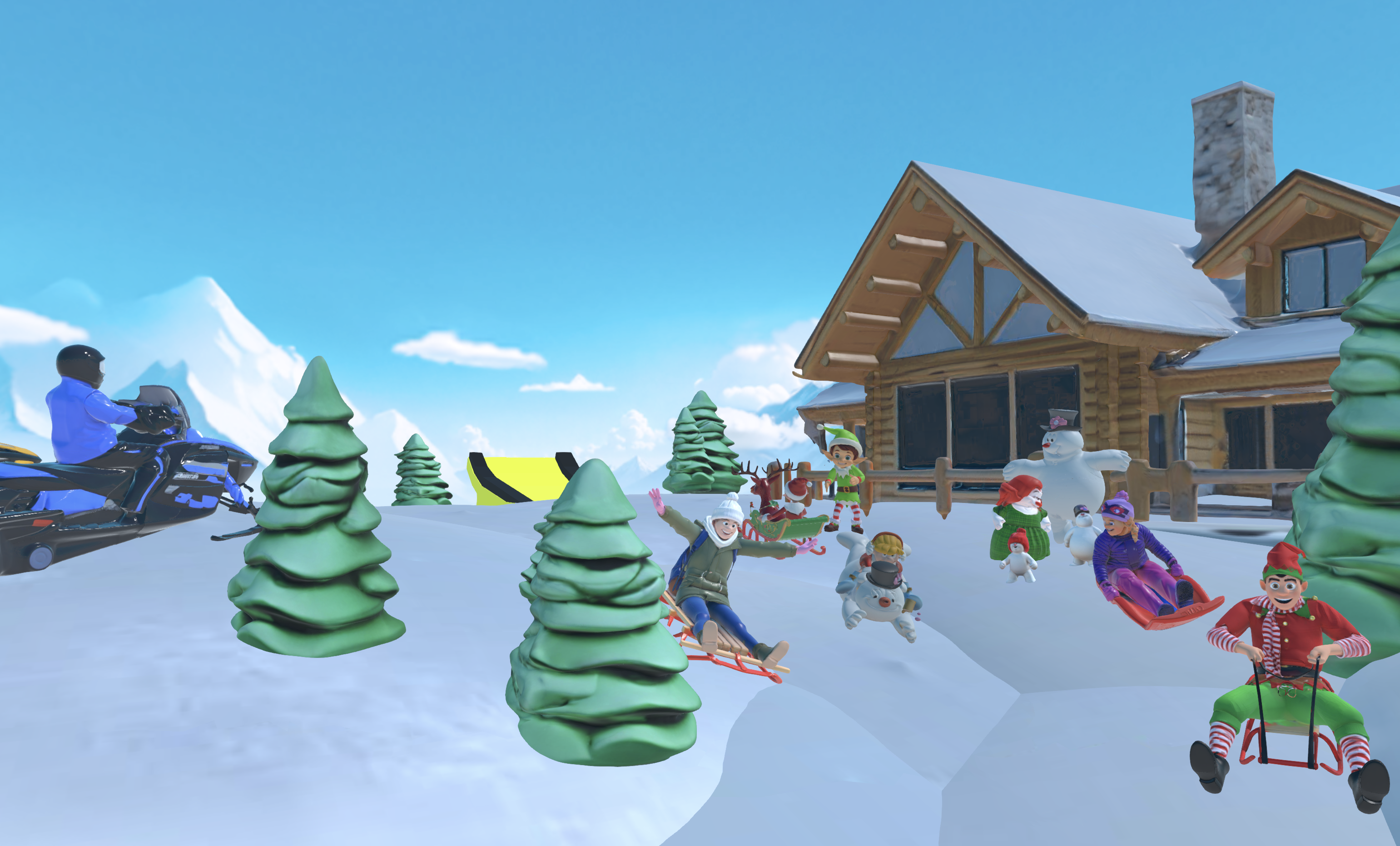
With over 9,000 Discord members and active community support, Nilo shows how vibe coding can grow from simple code generation into full game creation.
Join Nilo’s open beta and try building and playing for free to see how this workflow fits your own projects.
FAQ
How does vibe coding compare to traditional scripting for game development?
Vibe coding uses natural language prompts to generate game logic, while traditional scripting requires you to learn languages like Lua or C#. Vibe coding feels faster for prototypes and more welcoming for beginners, while traditional scripting gives you tighter control and better long-term maintainability. Many successful builders use both, with vibe coding for rapid iteration and traditional scripting for production polish.
Is vibe coding secure enough for Roblox games that handle player data?
Vibe coding can introduce security vulnerabilities, and some studies show that 40–62% of AI-generated code contains flaws. Platforms that let you inspect and modify generated code reduce these risks significantly. For Roblox games that handle player data, always review AI-generated code for proper validation, use tools with real-time feedback, and consider expert review before you ship production games.
Can I use Nilo for free, and what are the limitations?
Yes, Nilo offers a free tier with 1,000 Nilo Bits each month for AI generation, export, and creation features. You also get access to collaborative building, publishing tools, and standard 3D format exports. The free tier lets you explore vibe coding and 3D creation without spending a bunch of money upfront.
What are the main advantages of vibe coding for aspiring game builders?
Vibe coding removes scripting barriers that stop many builders from finishing projects. You can create working mechanics through conversation, iterate quickly on ideas, and keep your creative momentum without getting stuck on syntax. The approach works especially well for prototyping, learning core game concepts, and collaborating with friends who bring different skills.
Will vibe coding replace traditional game development skills?
Vibe coding complements traditional development skills instead of replacing them. While 76% of respondents to the 2024 Stack Overflow Developer Survey are using or planning to use AI tools in their development process this year, the most successful creators combine vibe coding for rapid prototyping with traditional skills for debugging, complex systems, and final polish. You can treat vibe coding as a powerful tool in your toolkit, not a shortcut that removes the need to understand game development fundamentals.
Vibe coding represents a real breakthrough for aspiring game builders when you use it thoughtfully. The pros clearly outweigh the cons for prototyping and learning, especially on platforms that provide real-time feedback and code transparency. If you are ready to experience these advantages firsthand, test Nilo’s approach to vibe coding for free and see how AI-assisted creation can speed up your game development journey.
